Merge Request Review
Merge requests are the decision point for code changes. Use them to review the branch, discuss tradeoffs, inspect validation, and decide whether the change should land.
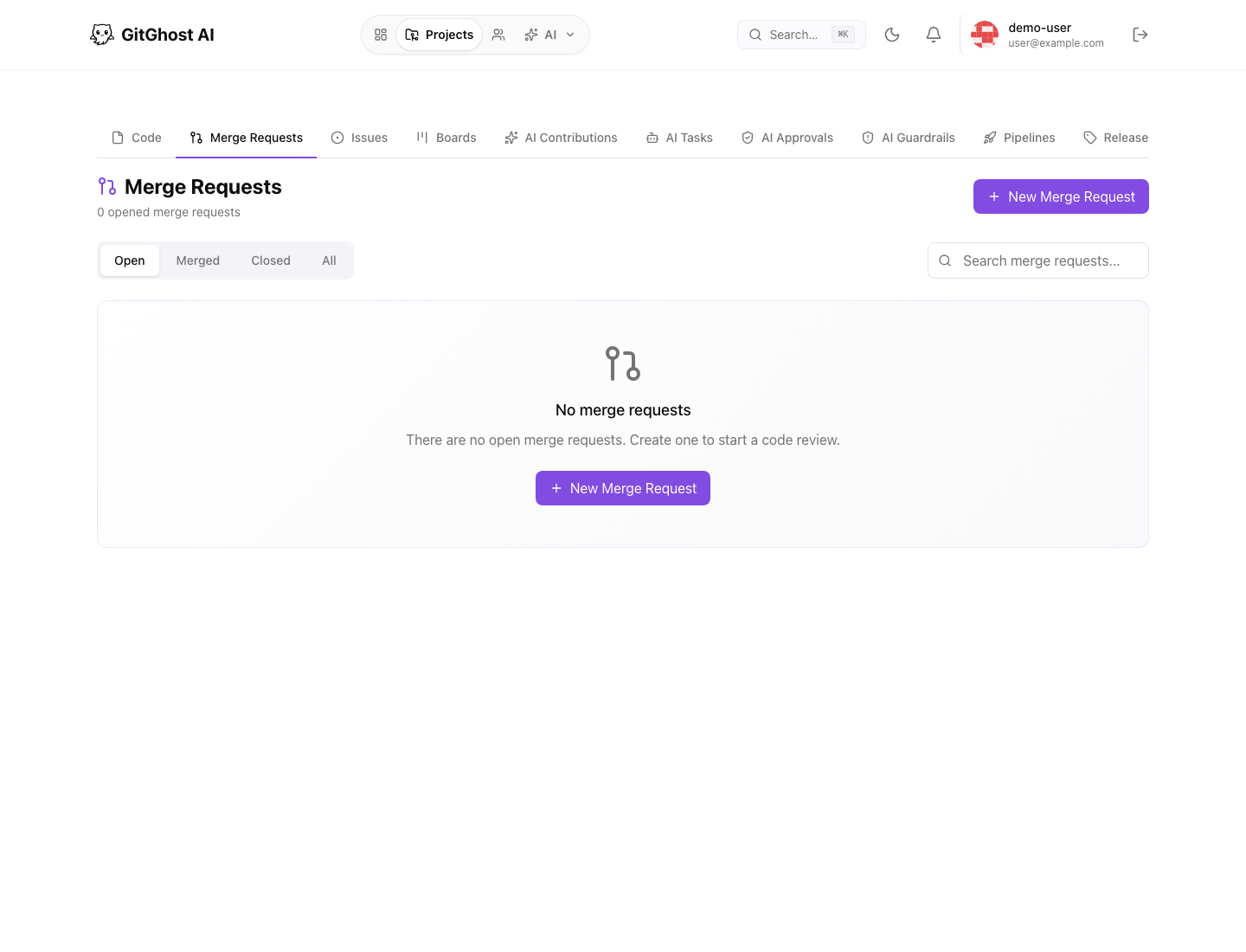
Review Surfaces
| Surface | What It Shows | How To Use It |
|---|---|---|
| Overview | Title, description, source branch, target branch, status, author, reviewers. | Confirm the change is scoped and reviewable. |
| Conversation | Comments and review discussion. | Resolve questions before merge. |
| Commits | Commit sequence and messages. | Check whether history is understandable. |
| Changes | File diffs with additions and deletions. | Review exact code changes. |
| Validation | Pipeline, security, conflict, and policy signals. | Decide whether the branch is ready. |
| AI provenance | Linked session, job, plan, approval, issue, and evidence. | Understand how AI work was produced. |
Diff Review
Use the changes view to inspect each modified file. Switch between unified and split diff views depending on the review style your team prefers.
Review for:
- Unintended file changes.
- Generated code that lacks tests.
- Deleted error handling.
- Added credentials or environment-specific values.
- Dependency updates without release-note review.
- AI-generated changes that do not match the issue.
Review Comments
Use comments for actionable feedback. Good comments identify the exact problem, expected change, and why it matters.
Avoid broad comments such as "fix this" without context. Reviewers and AI agents both need precise feedback to produce a useful revision.
Assign Reviewers
Open the Reviewers panel in the merge request sidebar and select the people who should review the change. The project owner is available even when the project does not yet have a separate member row.
For AI assistance, select Request AI review. Gitghost AI starts a hosted review session scoped to the merge request. Treat the AI review as supporting evidence: a human maintainer should still make the final merge decision.
Validation Checks
Before merging, confirm:
- Required pipelines have run on the source branch.
- Security findings are fixed, accepted, false-positive, or tracked.
- The branch has no unresolved conflicts.
- Linked issues and acceptance criteria are satisfied.
- AI approvals, if present, match the requested tool and risk class.
Security Gate
Gitghost AI can evaluate merge readiness against security policy. A blocked gate means the merge should wait until the finding, exception, or policy decision is resolved.
Do not bypass security evidence because the change is urgent. Record the reason, owner, and follow-up if an exception is accepted.
AI Provenance
For AI-assisted merge requests, inspect the evidence path:
- Original prompt, issue, or chat session.
- AI plan and planned tool steps.
- Approval requests for risky actions.
- Generated branch and commits.
- Pipeline and security scan evidence.
- Review comments and final merge decision.
The presence of AI evidence does not replace human review. It helps reviewers understand the origin and risk of the change.
Merge Method
Choose a merge method that matches repository policy:
- Merge commit preserves the branch history.
- Squash creates one final commit from the branch.
- Rebase keeps a linear history when policy allows it.
If the branch is stale or conflicted, update it before merging.
Close Or Reopen
Close a merge request when the proposal should not land. Reopen it if the branch becomes relevant again. Closing the merge request does not automatically delete the branch.