Public Profiles And Repositories
Public Gitghost AI pages help people discover users, organizations, and visible projects. They should never reveal private project content.
Public Profile
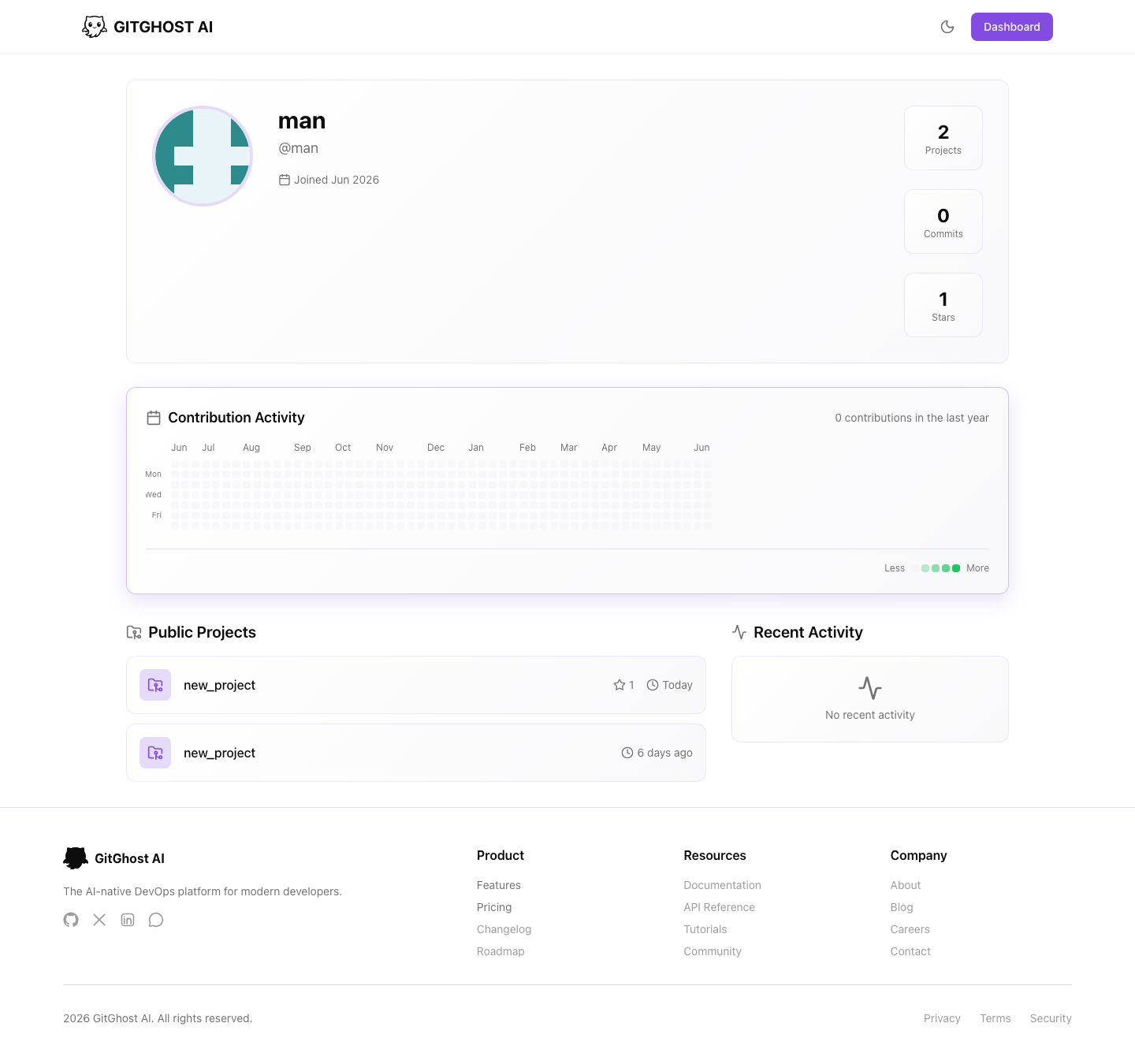
A public profile can show:
- Display name and handle.
- Bio, website, location, and social links when configured.
- Public stats.
- Pinned projects.
- Public projects.
- Recent public activity.
Configure your profile from account settings. Only show your email if you intentionally want it visible.
Pinned Projects
Pinned projects are featured on your profile. Use them for projects that explain your work and are safe to share.
Before pinning:
- Confirm the project visibility is public.
- Review the project description.
- Check the README for private references.
- Remove sample credentials or internal notes.
Public Project Pages
Public project pages use the readable route pattern /{owner}/{repo} when a project is visible. They can show files, commits, branches, clone options, stars, forks, and project metadata.
Public repository pages are useful for:
- Sharing source with collaborators.
- Letting users clone open projects.
- Showing project activity.
- Reviewing README content without signing in.
Private projects should only be visible to authorized users.
Visibility Decisions
Use private visibility for:
- Customer code.
- Proprietary source.
- Security-sensitive projects.
- Work in progress that is not ready to share.
- Projects with private dependencies or configuration.
Use public visibility only after reviewing repository content, issues, merge requests, releases, and metadata.
Safe Sharing
- Do not publish secrets in README files.
- Avoid internal hostnames or credentials in examples.
- Keep demo tokens fake.
- Review screenshots before adding them to public docs.
- Confirm project settings match the intended audience.