Projects
Projects are the main workspace in Gitghost AI. Each project connects code, AI tasks, reviews, policies, and evidence.
Create A Project
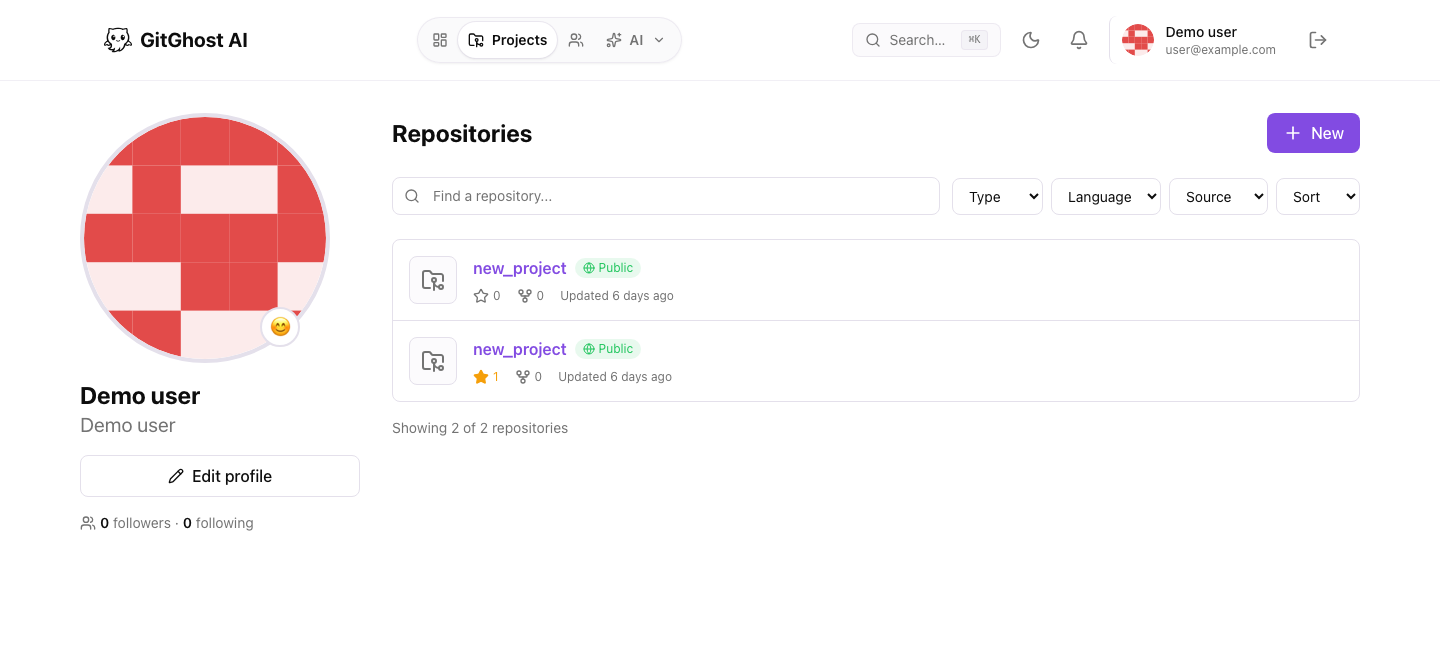
Create a project when you want Gitghost AI to track a repository or a new software workspace.
Recommended setup:
- Use a clear project name.
- Add a short description so teammates understand the purpose.
- Add a thumbnail if your team uses visual project lists.
- Connect the repository or add it later from project settings.
- Confirm who should have access before sharing the project.
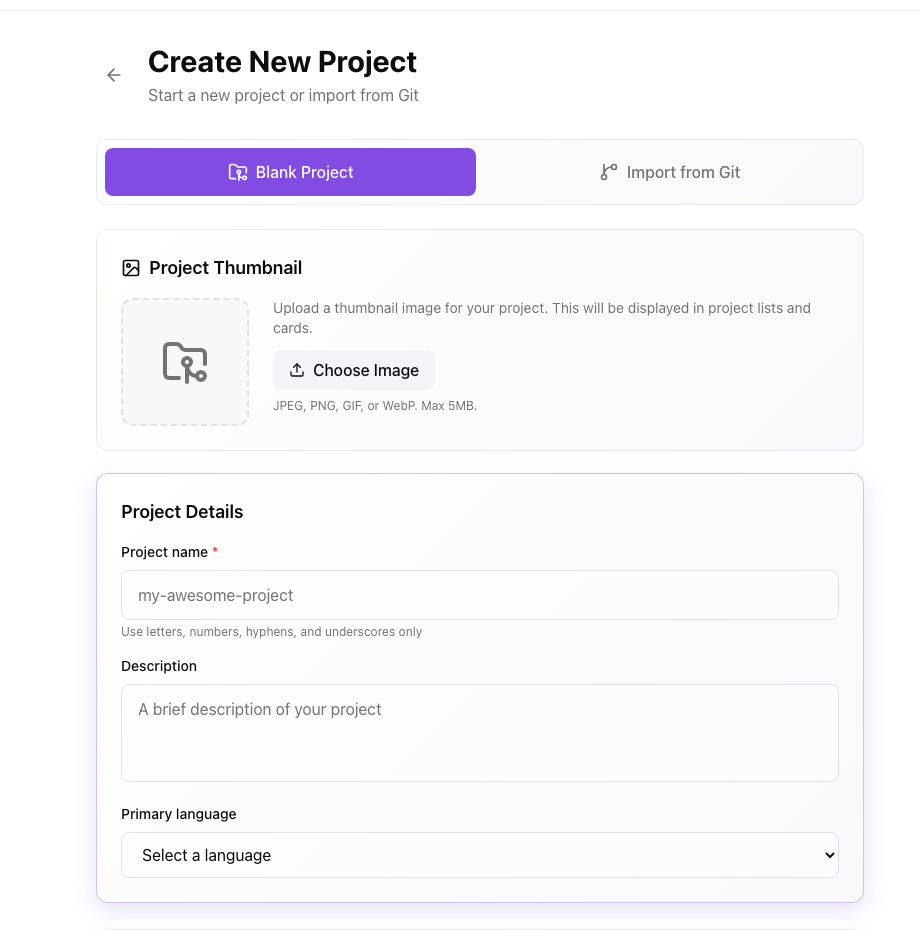
The create screen supports a blank project flow and an import-from-Git flow.
Import A Repository
When importing a repository:
- Use the repository URL shown by your Git provider.
- Confirm you have permission to access the repository.
- Follow the Gitghost AI prompts for any required authorization.
- Wait for Gitghost AI to finish reading the repository before starting AI work.
If an import takes longer than expected, see Troubleshoot Project Import.
Project Workspace
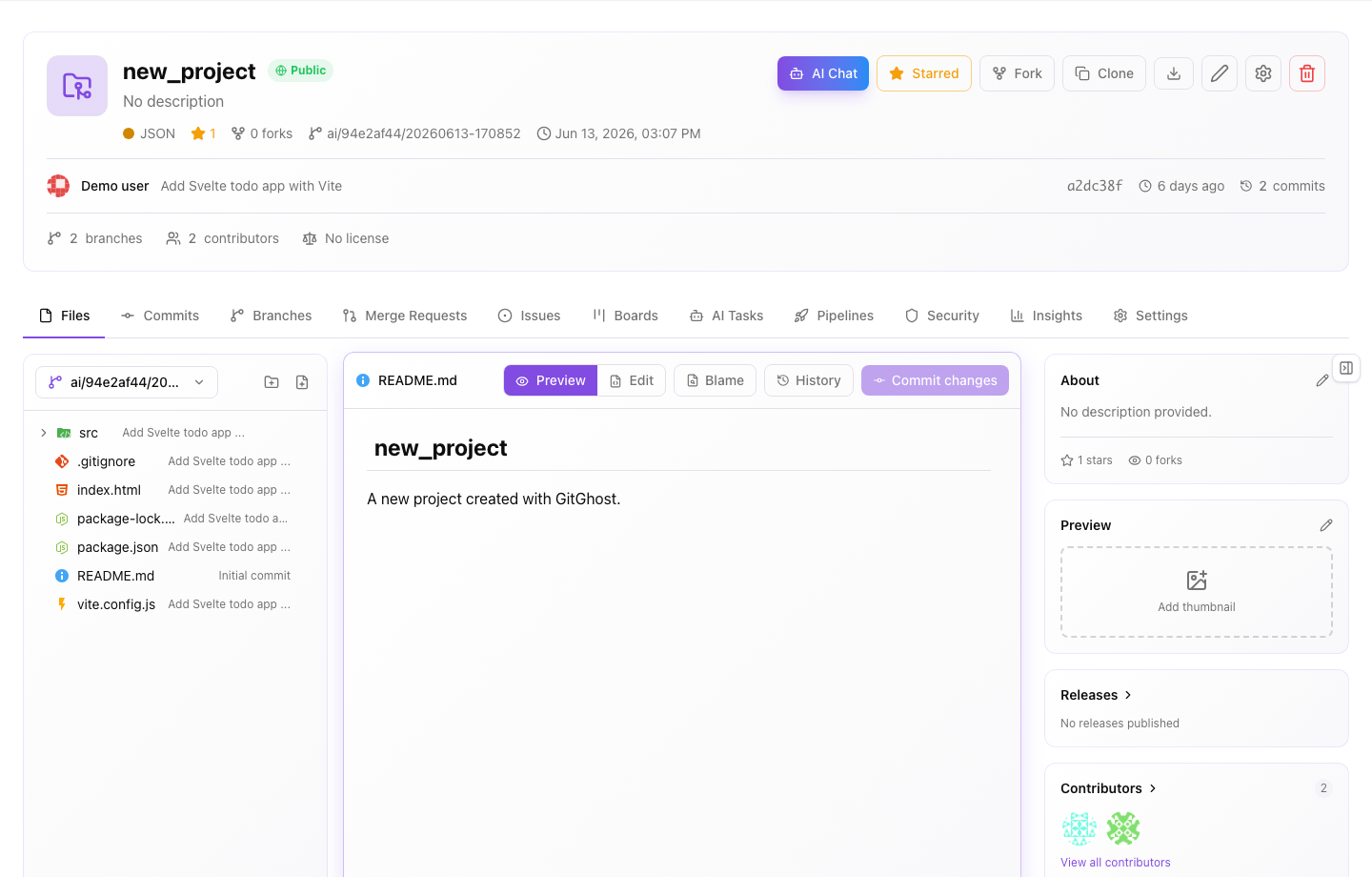
After a project exists, the workspace gives you the main tabs for daily work:
- Files: browse source files, preview content, inspect history, and start repository actions.
- Commits: review recent commit history.
- Branches: compare and manage active branches.
- Merge Requests: review proposed changes before merge.
- Issues: track work, bugs, and requests.
- Boards: organize issues by workflow state.
- AI Tasks: follow agent work, action requests, and AI-generated evidence.
- Pipelines: review automation runs, jobs, logs, and artifacts.
- Security: review dependency and code security findings.
- Insights: understand activity, contributors, and repository signals.
- Settings: manage access, repository behavior, automation, webhooks, tokens, and policy.
Project Settings
Project settings control how Gitghost AI works with a project. Depending on your plan and permissions, you may see settings for:
- General project metadata and visibility.
- Default branch, language, and license metadata.
- Pipeline concurrency, artifact policy, and CI/CD variables.
- AI policy, local-agent sync, approvals, and guardrails.
- Webhooks and delivery history.
- Project access tokens, collaborators, and invitations.
- Archive, transfer, and delete actions.
Use stricter settings for business-critical code or repositories that handle sensitive data.
Good Project Hygiene
- Keep project names and descriptions meaningful.
- Remove access for teammates who no longer need it.
- Review AI policy settings before connecting new agents.
- Do not paste secrets into project descriptions, prompts, issue text, or support requests.
Related Guides
- Repository files and branches: Repository Workflow.
- Issues: Issues.
- Boards and sprints: Boards.
- Merge requests: Merge Requests.
- Project settings: Project Settings.
- Pipelines and releases: Pipelines and Releases.