Collaboration, Members, And Groups
Gitghost AI collaboration combines project roles, invitations, groups, public profiles, issues, merge requests, and review workflows. The goal is simple: the right people can find the right work with the right level of access.
Project Members
Project access is managed from project settings.
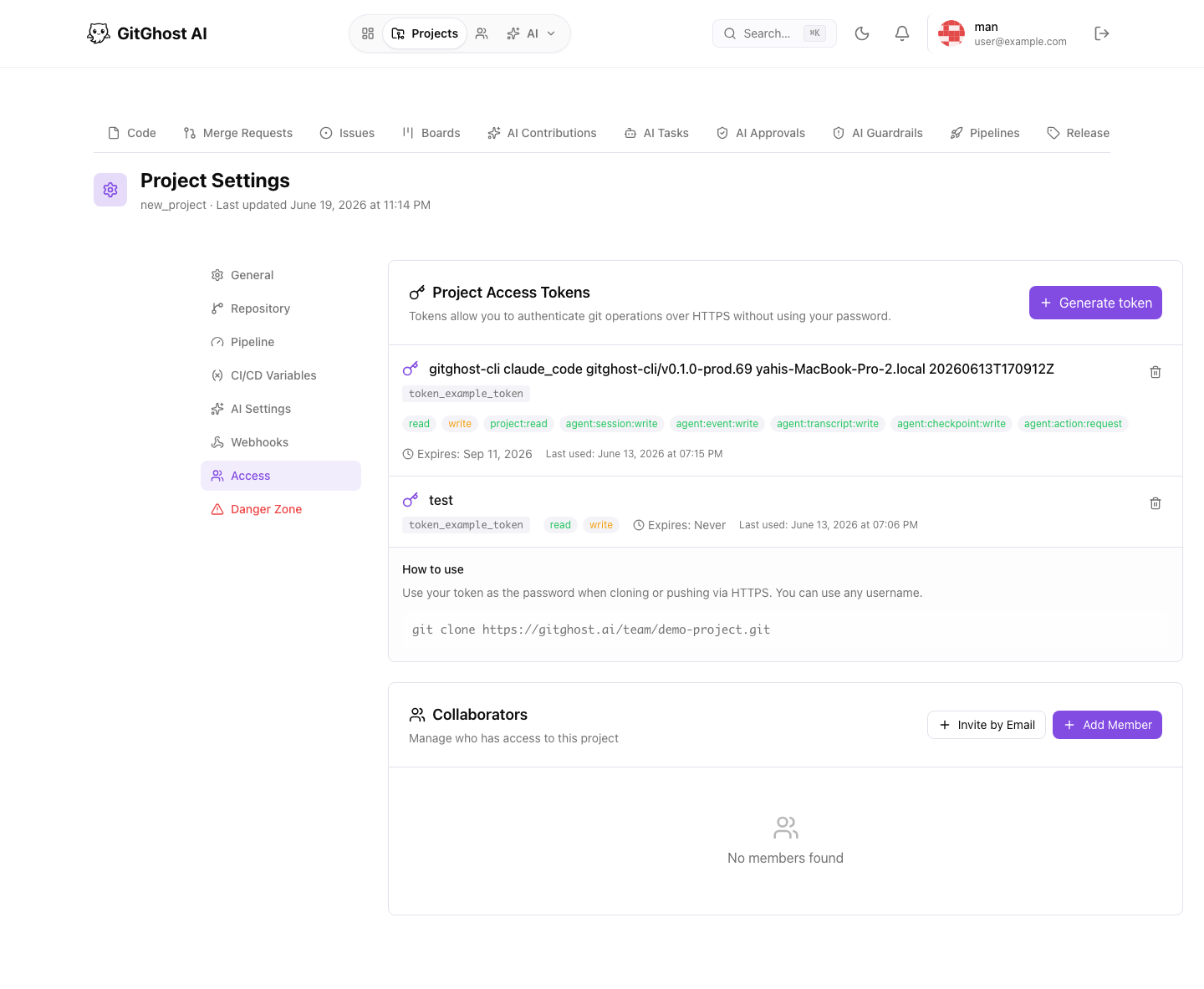
Use project members when a person needs direct access to a repository, issue tracker, merge request, pipeline evidence, or security findings.
Common role pattern:
| Role | Typical Responsibility |
|---|---|
| Guest | Read allowed project information. |
| Reporter | Create and follow issues. |
| Developer | Push branches and participate in reviews. |
| Maintainer | Merge, configure project settings, and manage members. |
Give the minimum role that lets the person do their work.
Invitations
Use invitations when a teammate is not already available in member search.
Before inviting:
- Confirm the email belongs to the intended person.
- Choose the minimum role.
- Explain why access is needed.
- Set any review expectations outside Gitghost AI if your team requires approval.
Remove stale invitations and revoke access when collaboration ends.
Groups
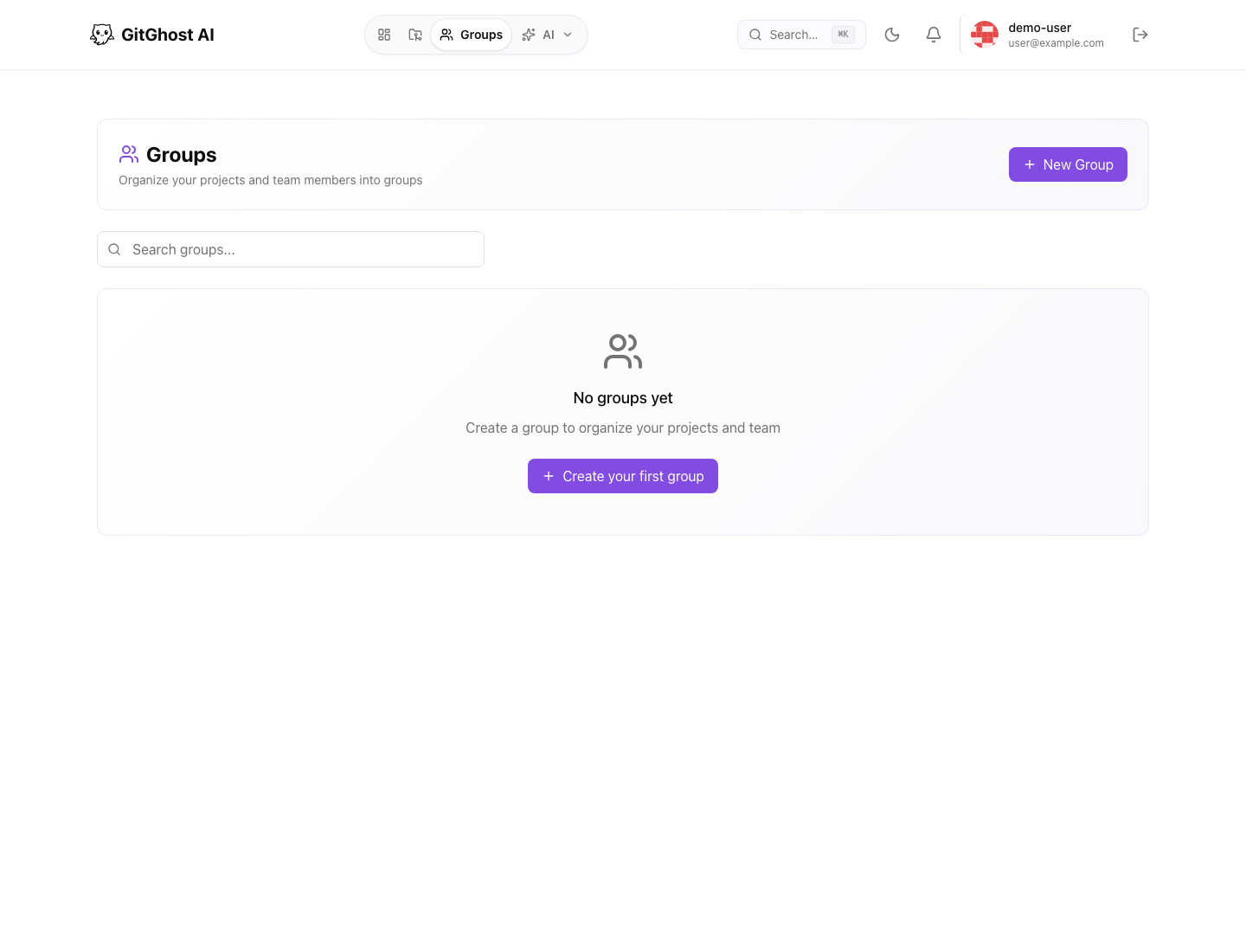
Groups organize related people and projects. Use groups when several projects share ownership, reviewers, or visibility rules.
Groups help with:
- Finding related projects.
- Presenting team-owned work.
- Reviewing member lists.
- Separating public and private collaboration spaces.
Group permissions depend on your account and organization setup. If you cannot manage a group, ask an owner or maintainer.
Public Profiles
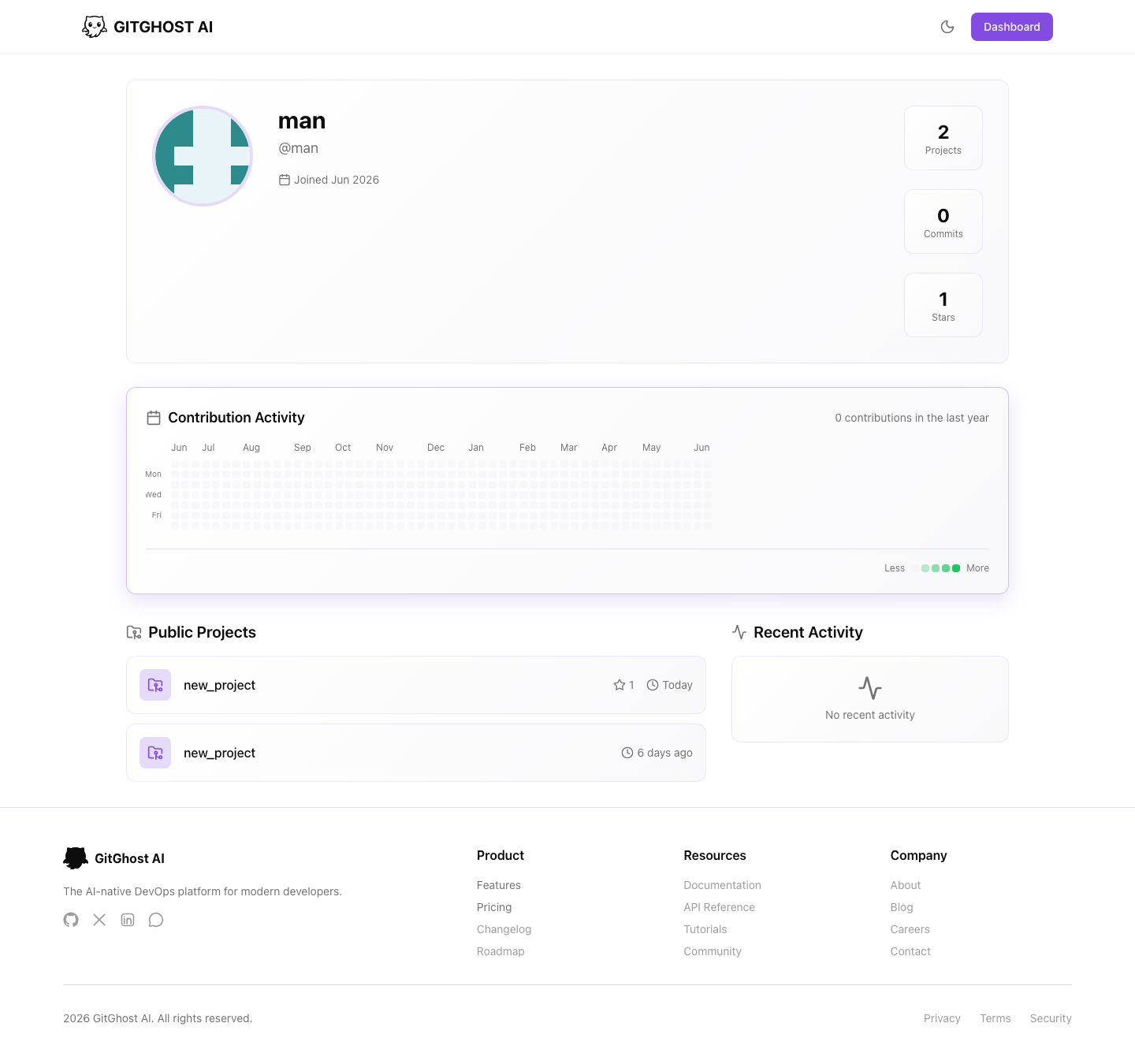
Public profiles show user or group identity and visible projects. Keep profile information professional and avoid private contact details unless your policy allows them.
Use pinned projects to highlight current or important public work. Do not pin private or sensitive projects expecting access controls to replace judgment; verify visibility before sharing.
Collaboration Workflows
Common collaboration paths:
- Issue to branch to merge request.
- Security alert to remediation issue to merge request.
- AI session to branch to human review.
- Pipeline failure to issue or follow-up commit.
- Release checklist to tag and release notes.
Use links between these objects so future reviewers can reconstruct the decision trail.
Access Review Checklist
Review access regularly:
- Remove members who no longer need the project.
- Downgrade roles after temporary work ends.
- Revoke stale project access tokens.
- Review OAuth apps and authorized applications.
- Confirm group membership still reflects the team.
- Check public profile and project visibility before sharing links.