Security Center
The project Security tab collects security score, alerts, scan history, dependency intelligence, project secrets, and security update work.
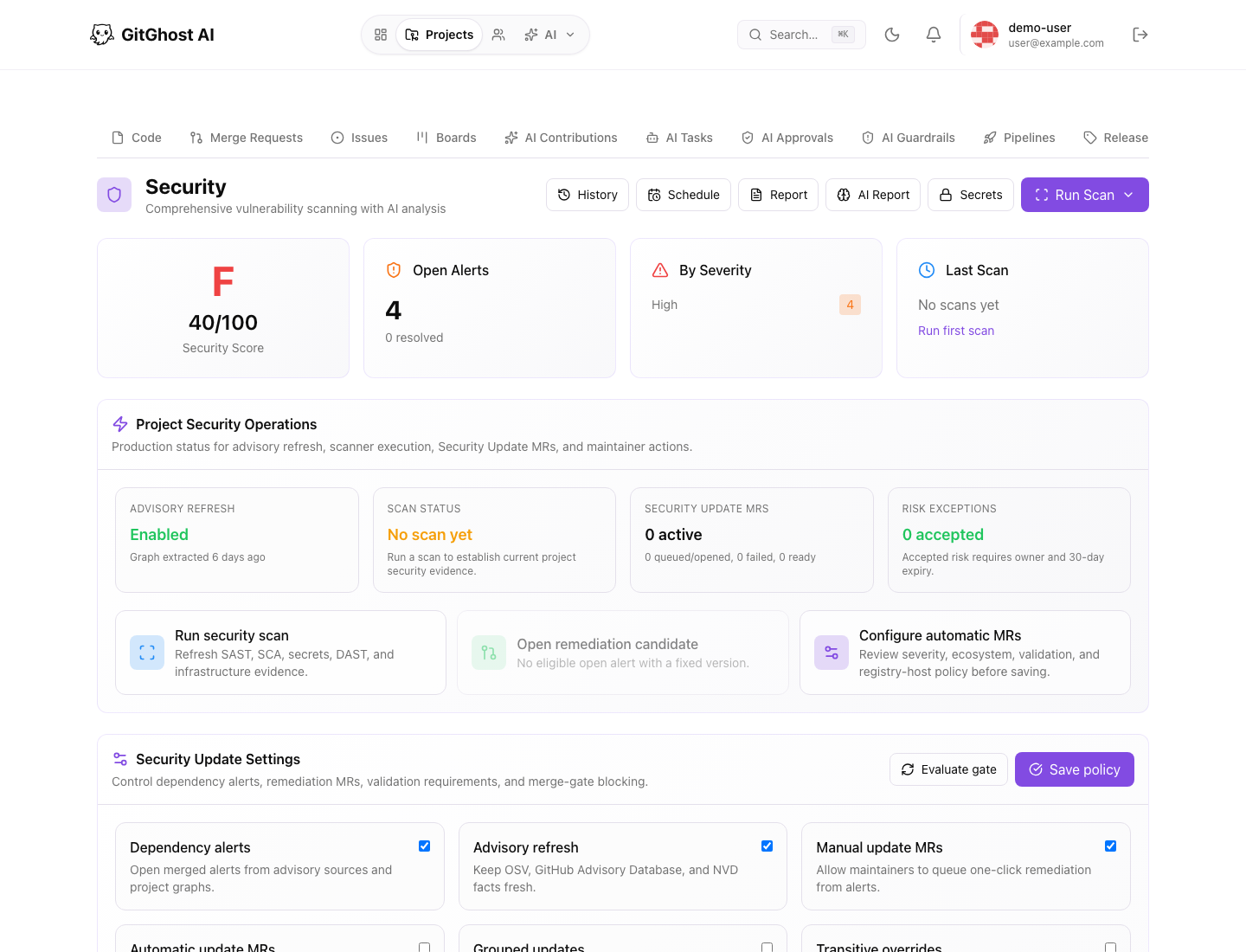
Security Dashboard
Use the dashboard to answer:
- What is the current project security score?
- How many open alerts exist?
- Which severities need attention?
- Has a scan run recently?
- Are security update merge requests active?
- Are exceptions accepted and tracked?
The score is a signal, not a substitute for review. Open high-risk findings and confirm remediation status.
Run And Schedule Scans
Use Run Scan to refresh project security evidence. Scan types can include source scanning, dependency review, secret detection, and other enabled project checks.
Use scheduled scans when:
- The project changes frequently.
- Dependencies update often.
- You want recurring evidence even when no merge request is open.
- Release branches need regular verification.
Security Alerts
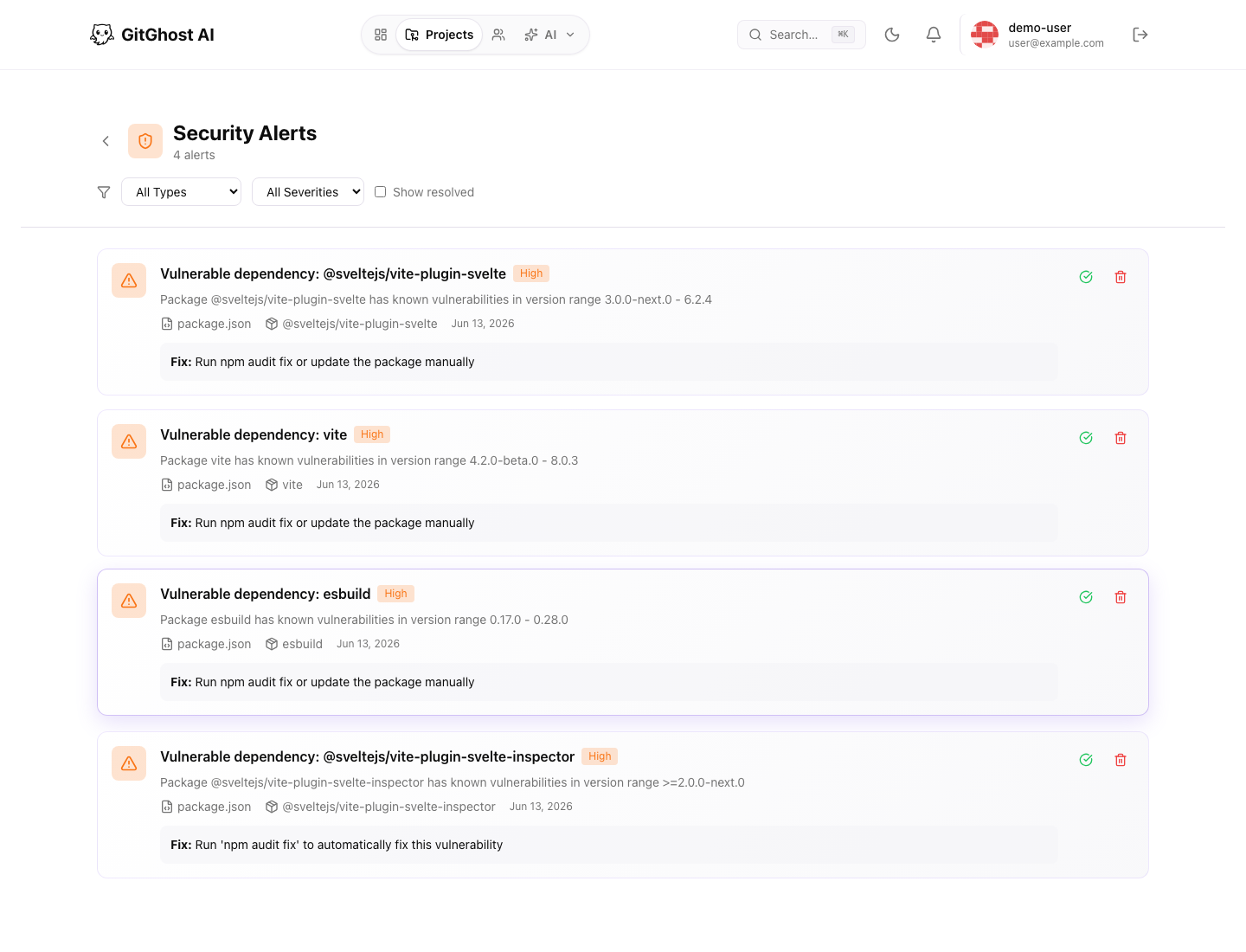
The alerts page lets you filter by alert type, severity, and resolved state.
For each alert, check:
- Severity.
- Affected file, package, or component.
- Remediation guidance.
- Whether the finding is new, fixed, accepted risk, false positive, dismissed, or reopened.
- Whether a security update branch or merge request exists.
Do not dismiss alerts only to improve the score. Use accepted risk or false positive states only when you can explain the decision.
Dependency Intelligence
Dependency intelligence combines package data with advisory sources. Use it to understand which packages are affected, whether fixed versions exist, and whether Gitghost AI can queue a security update branch.
Before creating a security update merge request:
- Confirm the fixed version is compatible.
- Confirm the project policy allows update branches.
- Run validation after the update.
- Review release notes for breaking changes.
Project Secrets
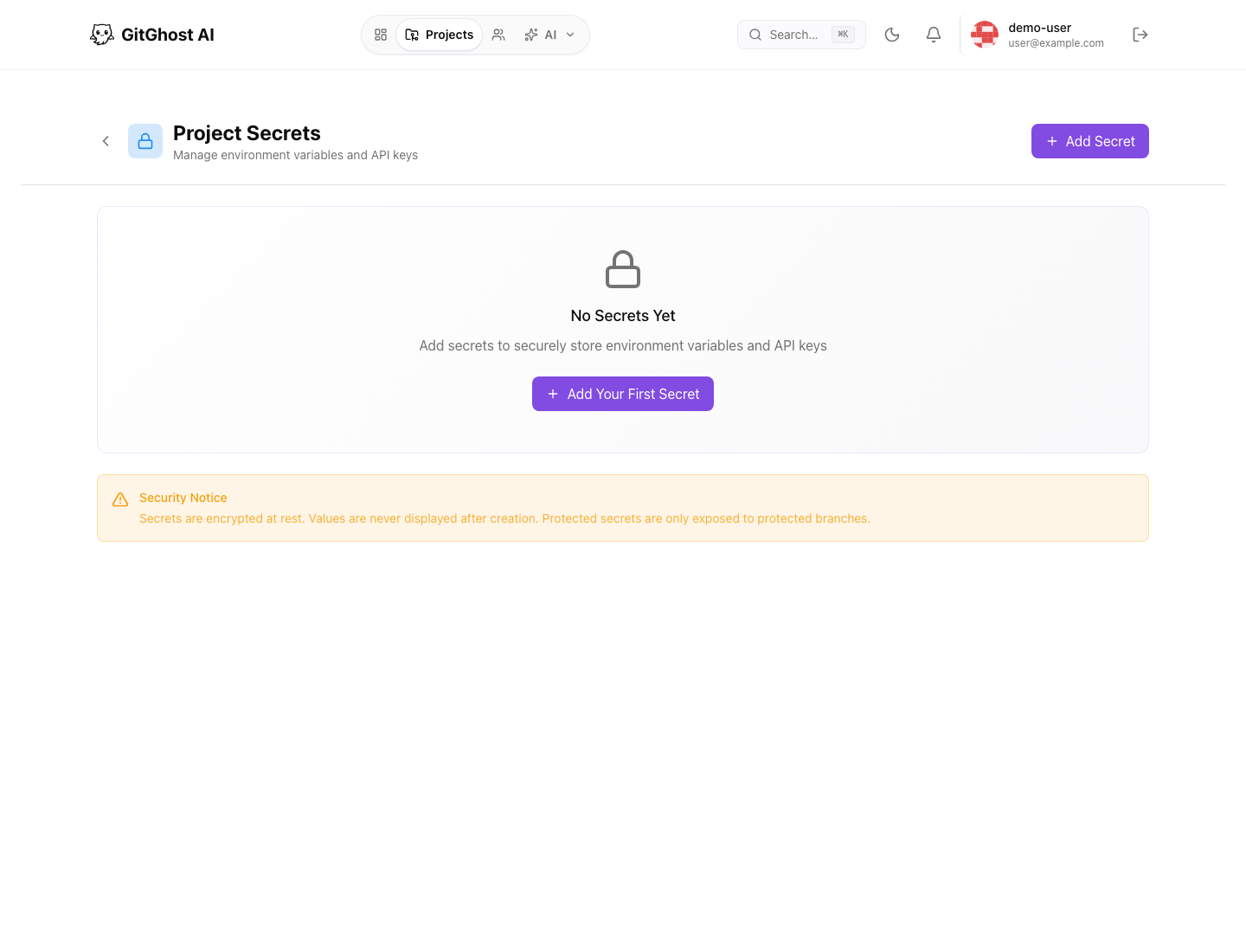
Project secrets store values used by automation and trusted project workflows. Values are not displayed after creation.
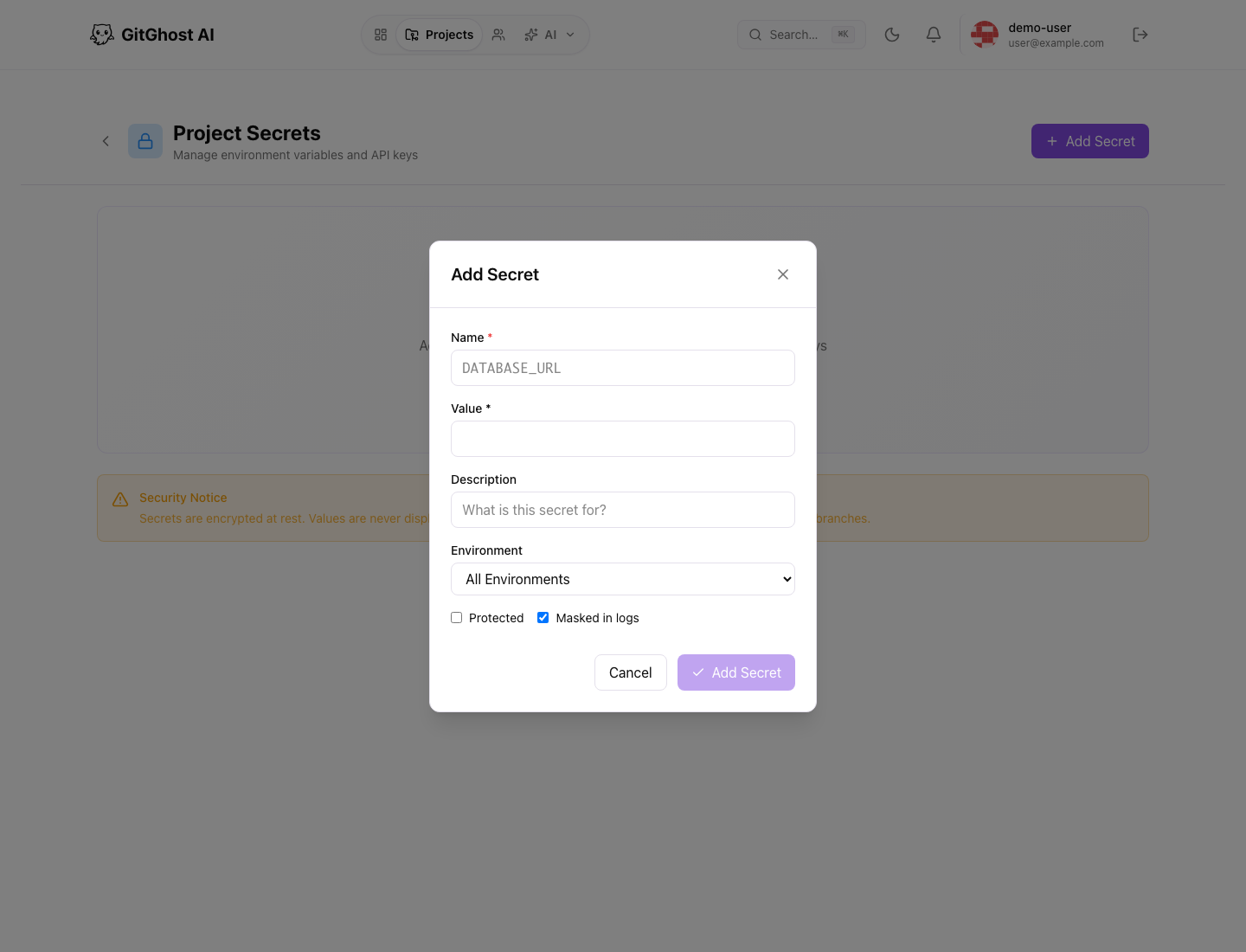
When adding a secret:
- Use a clear key name.
- Paste only the value the project needs.
- Mark it protected when it should only be available to protected branches.
- Rotate it if it may have been exposed.
- Delete unused secrets.
Do not put secrets in issues, merge request descriptions, comments, release notes, or screenshots.
Security Update Policy
Security update settings control dependency alerts, remediation merge requests, validation requirements, grouped updates, and risk exceptions.
Before changing policy:
- Make sure maintainers understand how remediation merge requests will be created.
- Keep validation requirements strong enough for the project.
- Track exceptions with an owner and expiry date.
- Re-evaluate the merge gate after policy changes.