Notifications, Billing, And Usage
Notifications and usage views help teams keep review work visible without turning every automated event into noise.
Notifications
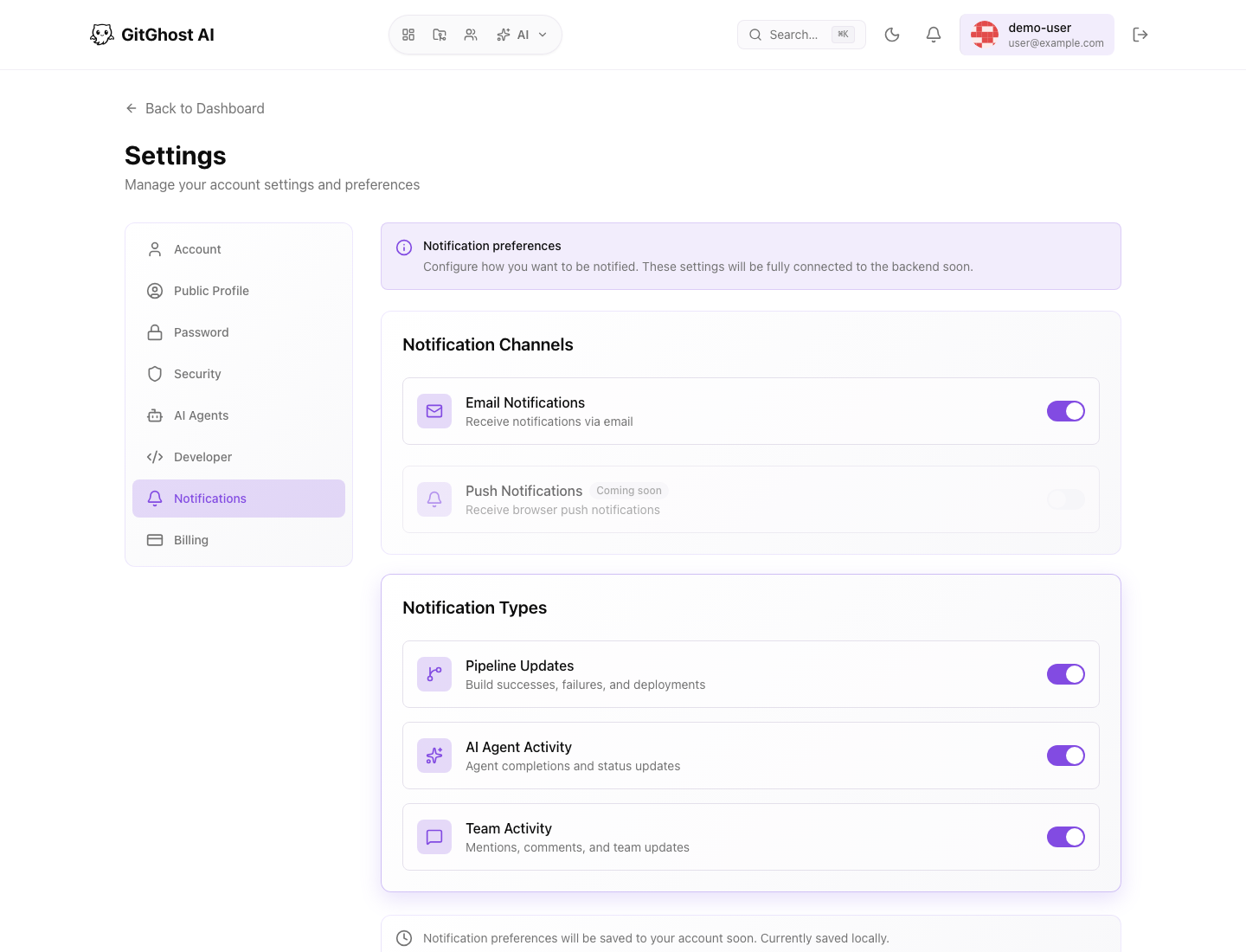
Notification settings control which account events are sent to you and through which channels.
Useful notification categories can include:
- Issue assignments and mentions.
- Merge request review requests.
- Pipeline failures.
- Security alerts.
- AI approval requests.
- AI session or task updates.
- Team or group activity.
Tune notifications around review responsibility. A maintainer should see approval, merge, pipeline, and security failures quickly. A contributor may only need mentions and assigned work.
Notification Hygiene
Good notification hygiene:
- Keep high-risk events enabled.
- Disable noisy status updates that do not require your action.
- Use project-level ownership to route work to the right maintainers.
- Review notification settings after joining or leaving a team.
- Keep email and browser session settings current.
Do not rely on notifications as the only record of work. Issues, merge requests, pipelines, security findings, and AI sessions remain the source of truth.
Billing View
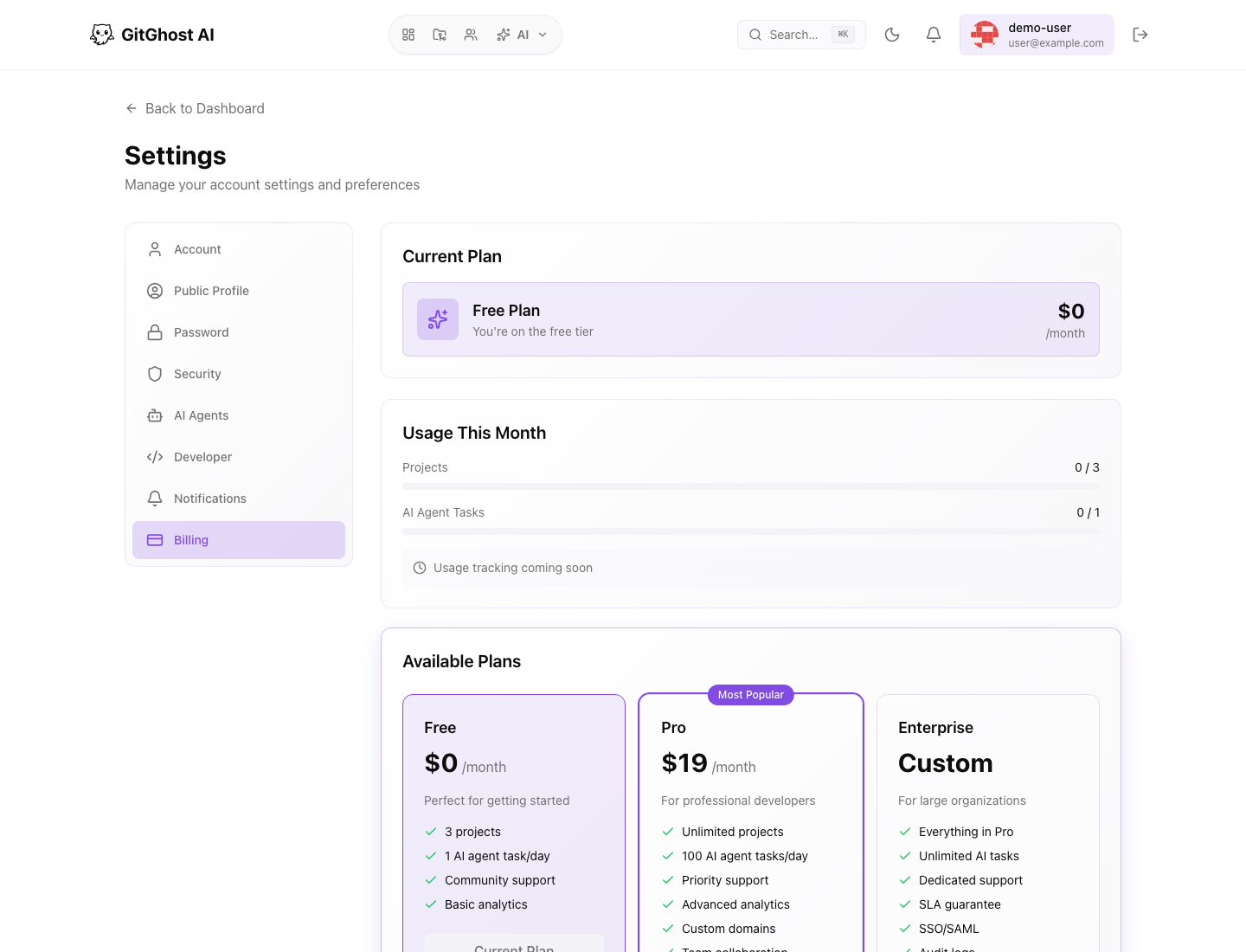
Billing shows plan and usage information when enabled for your account.
Depending on account type, the page can show:
- Current plan.
- Usage summary.
- Available plan options.
- Payment method status.
- Invoices or billing history when available.
Billing access may be limited to owners or billing administrators.
Usage Review
Use billing together with analytics and AI activity to understand where usage comes from.
Review:
- AI sessions and token trends.
- Pipeline run volume.
- Artifact storage use.
- Scheduled runs.
- Runner parallelism.
- Large or repeated downloads.
If usage increases unexpectedly, open the linked activity views before changing settings. A spike may be valid release work, a noisy schedule, a stuck agent, or an integration loop.
Cost Control Patterns
Use these controls to reduce waste:
- Disable stale pipeline schedules.
- Lower project concurrency for expensive workflows.
- Shorten artifact retention for temporary build outputs.
- Require approval for high-risk or expensive AI actions.
- Disable unused AI agents.
- Revoke unused OAuth apps and tokens.
Do not remove validation just to reduce usage. Prefer targeted limits that keep important checks running.