Security Scans And Remediation
Security work in Gitghost AI starts with scan evidence and ends with a tracked decision: fixed, accepted risk, false positive, dismissed, snoozed, or reopened.
Scan History
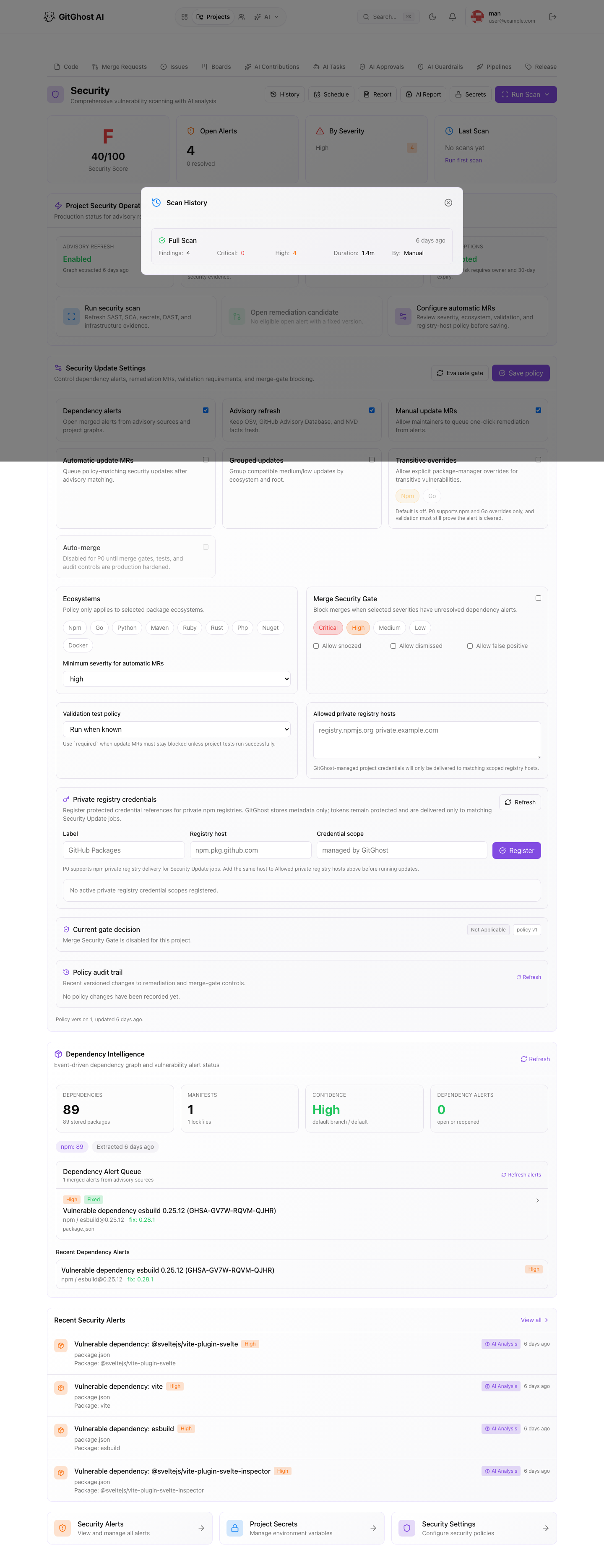
Open History from the Security page to review previous scans. Each scan records type, status, finding count, duration, and who started it.
Use scan history to answer:
- Did a scan run after the latest change?
- Which scan produced the current findings?
- Did findings increase or decrease over time?
- Is a finding new, repeated, or already handled?
Scheduled Scans
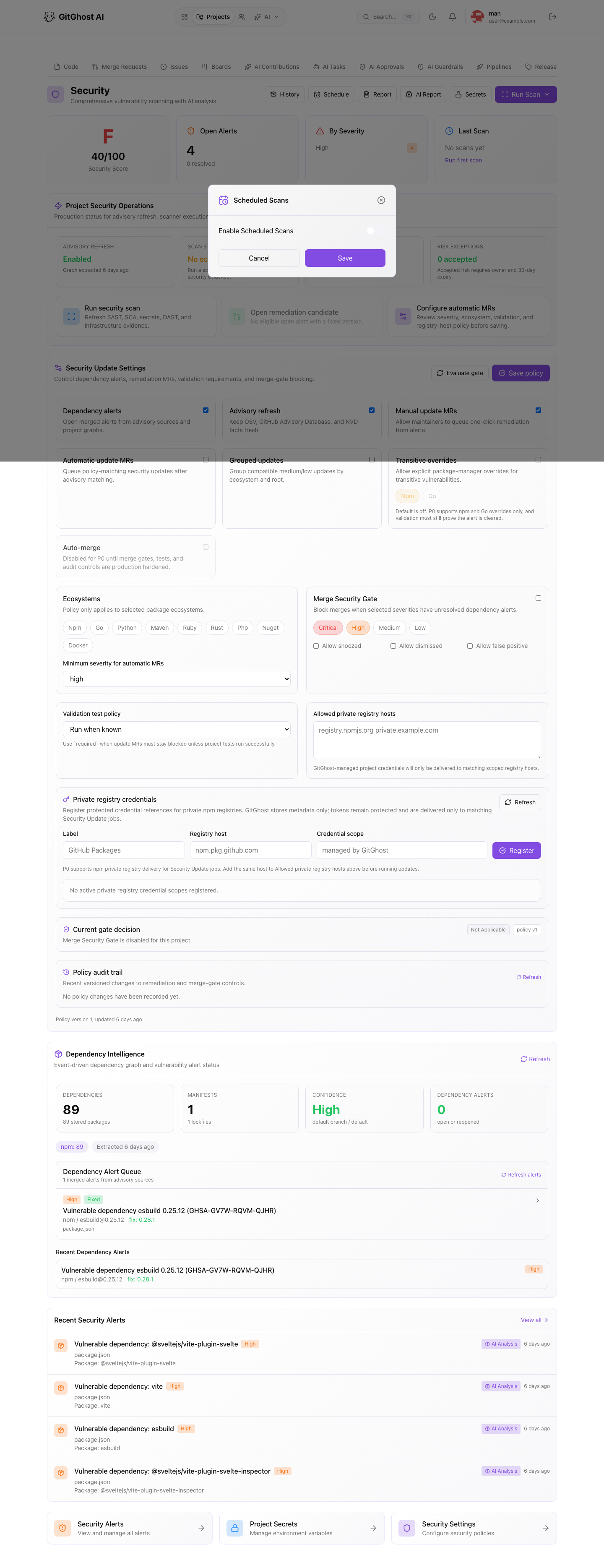
Use Schedule when a project needs recurring security evidence. Scheduled scans are useful for active projects, release branches, and dependency-heavy services.
When enabling scheduled scans:
- Choose the scan type that matches the risk.
- Keep the schedule aligned with release cadence.
- Review findings regularly instead of letting alerts pile up.
- Revisit the schedule when project ownership changes.
Run A Manual Scan
Manual scans are useful before a release, after dependency changes, or when a reviewer asks for current evidence.
Before running a scan, confirm the branch or project state is the one you want to evaluate. Avoid running repeated scans just to clear a dashboard; use the findings to make a decision.
Alert Triage
For each alert, inspect:
- Severity.
- Affected file, package, or component.
- Recommendation or fixed version.
- Current state.
- Linked issue or merge request.
- Any accepted-risk or false-positive reason.
High severity alerts should have a clear owner and next action. Dismissal without a reason makes future review harder.
Dependency Remediation
Dependency alerts can point to a fixed version and may support a security update merge request. Review update branches like any other code change.
Before accepting a remediation merge request:
- Confirm the fixed version is compatible.
- Review release notes or migration notes.
- Run pipelines against the branch.
- Confirm the security finding is resolved or correctly reclassified.
Security Update Policy
Security update settings control whether Gitghost AI can queue update branches, group compatible updates, require validation, and block merges on selected severities.
Use strict settings for production-critical projects. Use temporary exceptions only when the owner, reason, and expiry are clear.
Project Secrets And Security
Project secrets and CI/CD variables should be reviewed as part of security hygiene:
- Remove unused credentials.
- Rotate exposed values.
- Restrict protected values to protected branches.
- Keep secret names descriptive without revealing the secret value.
- Never include a secret value in screenshots or comments.