Account Security And OAuth
Use account settings to manage how browsers, terminals, SSH clients, and external applications access Gitghost AI.
Security Settings
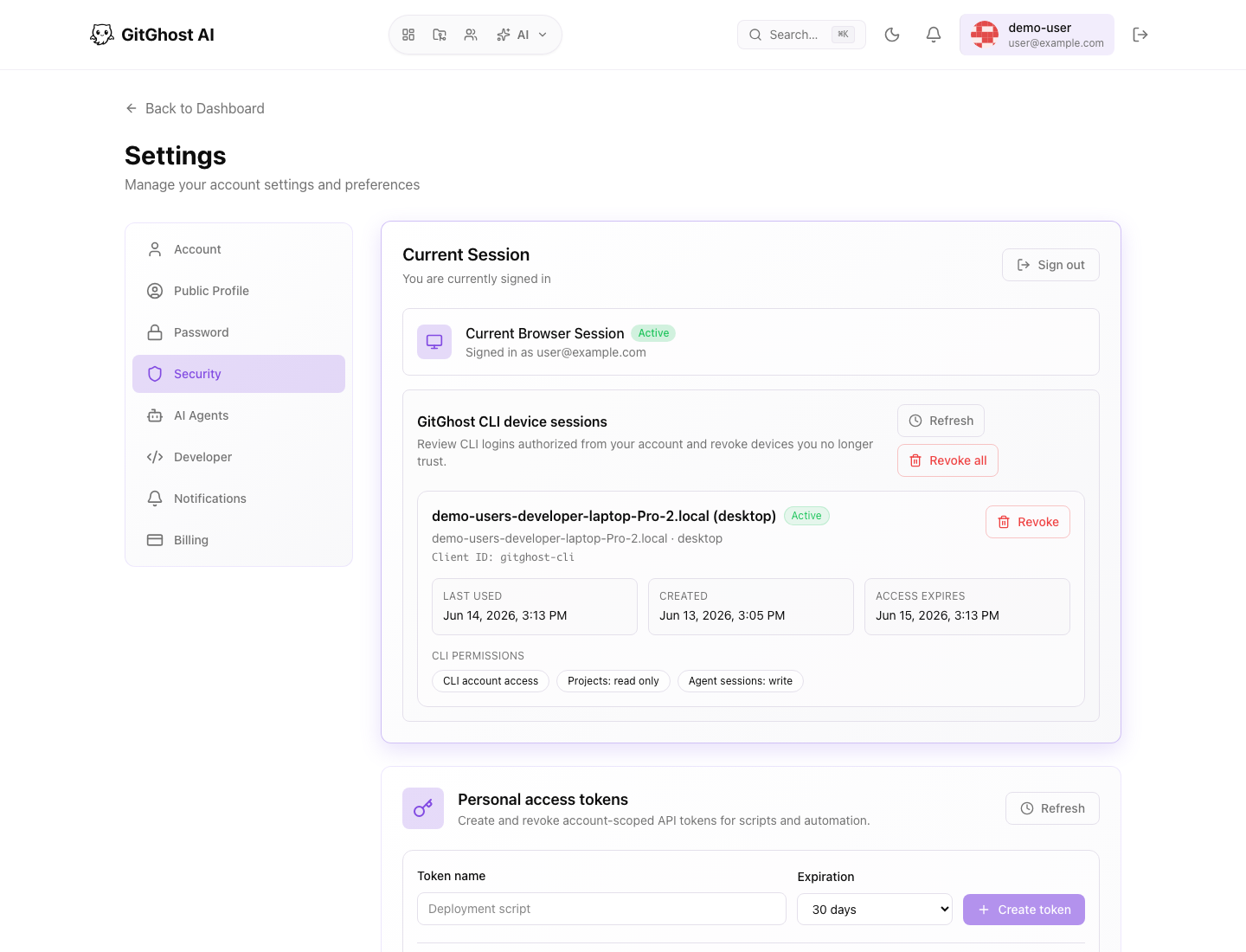
The Security page can include:
- Current browser session.
- Gitghost AI CLI device sessions.
- Personal access tokens.
- Authorized OAuth applications.
- Two-factor authentication status when available.
- SSH keys for Git operations.
- Account deletion controls.
Review this page after using Gitghost AI on a new device or after connecting a terminal.
CLI Device Sessions
CLI sessions are created when you approve gitghost-cli auth login.
Revoke a CLI device when:
- You no longer use that computer.
- A device is lost or replaced.
- You accidentally approved a session in the wrong browser.
- Your organization asks you to rotate access.
Personal Access Tokens
Personal access tokens are for scripts and integrations that cannot use a browser session. Use the smallest permission set that works.
Good token practices:
- Use a clear token name.
- Set an expiration.
- Prefer read-only permissions when possible.
- Revoke tokens that are no longer used.
- Never paste a token into chat, issue text, or support requests.
SSH Keys
SSH keys let Git clients authenticate for repository operations. Add only keys you control, and remove keys from devices you no longer use.
OAuth Applications
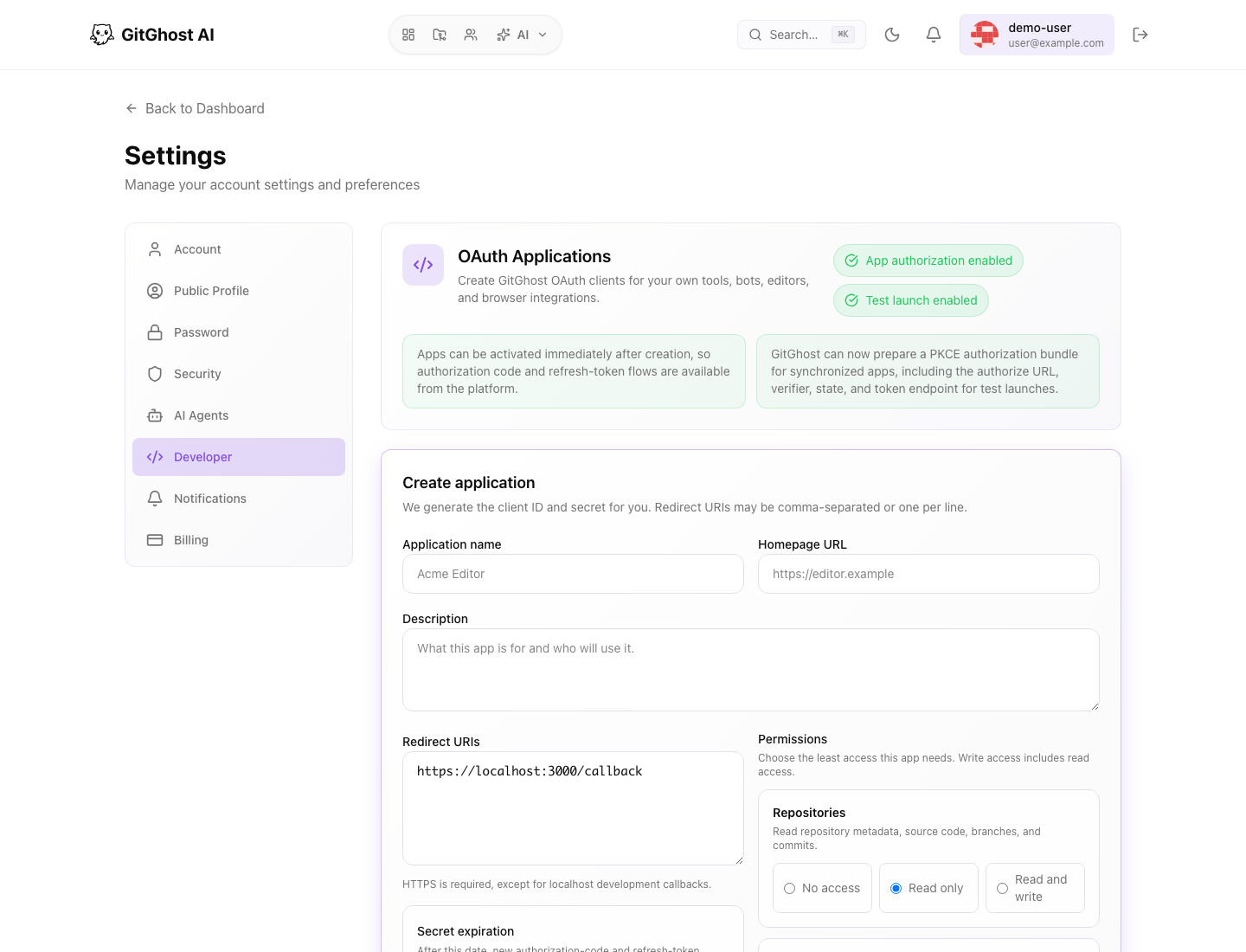
OAuth applications let your own tools, bots, editors, and browser integrations request Gitghost AI access using an authorization flow.
When creating an OAuth app:
- Use a clear application name.
- Add a homepage URL that identifies the tool.
- Describe who will use it and why.
- Add only approved redirect URIs.
- Choose the least access the app needs.
- Set a client secret expiration when appropriate.
- Store the generated secret securely when Gitghost AI shows it.
If an app is no longer needed, revoke or delete it from settings.
Authorized Applications
Authorized applications are third-party or internal apps you approved. Revoke an app if you do not recognize it or if it no longer needs access.
What Not To Share
Never share:
- Passwords.
- CLI login codes.
- Local-agent connect codes.
- Session cookies.
- Personal access tokens.
- OAuth client secrets.
- SSH private keys.
For the complete account settings tour, see Account Settings.