Credentials, Secrets, And Variables
Gitghost AI has several credential surfaces. They solve different problems and should not be used interchangeably.
Credential Map
| Surface | Scope | Use It For | Important Rule |
|---|---|---|---|
| Personal access token | User account | API or CLI-style access as you. | Copy once and rotate when exposed. |
| SSH key | User account | Git authentication where SSH is supported. | Remove old device keys. |
| CLI device session | User account and device | Gitghost AI CLI login. | Revoke devices you no longer trust. |
| Project access token | One project | HTTPS clone or push automation. | Use least privilege and expiry. |
| CI/CD variable | One project pipeline | Pipeline environment values. | Mask and protect sensitive values. |
| Project secret | One project workflow | Trusted automation and security workflows. | Values are not shown after creation. |
| Webhook secret | One webhook | Sign outbound Gitghost AI deliveries or verify inbound pipeline triggers. | Copy once and store only with the receiving or sending service. |
| OAuth client secret | One OAuth application | Custom app authorization flows. | Store in your app secret manager. |
Account Security
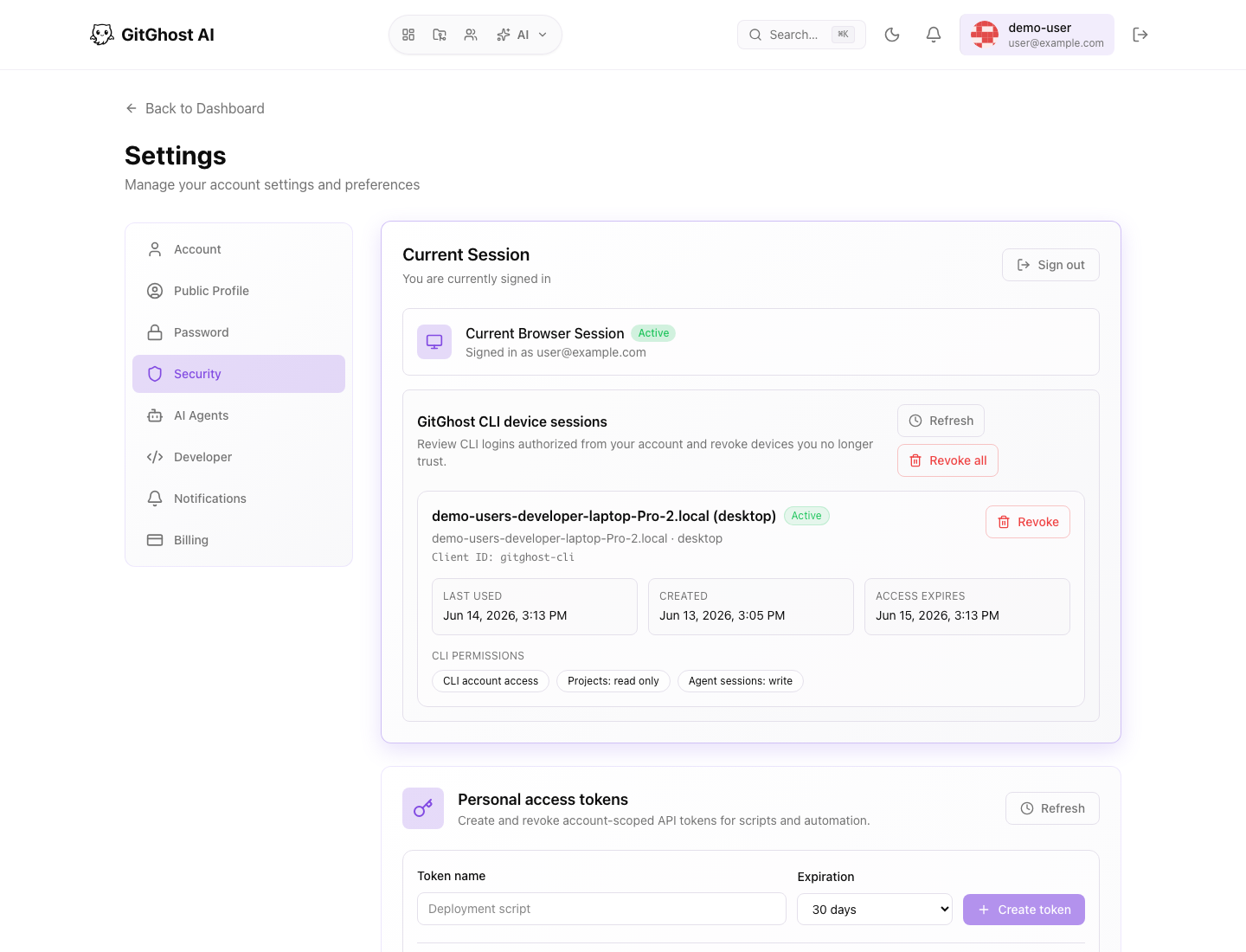
Account security lets you review the current browser session, CLI device sessions, authorized applications, personal access tokens, and SSH keys.
Review this page regularly when:
- You lose a laptop.
- A teammate leaves a shared device.
- A token might have been pasted into the wrong place.
- You no longer use a CLI device.
- You remove an integration.
Passwords
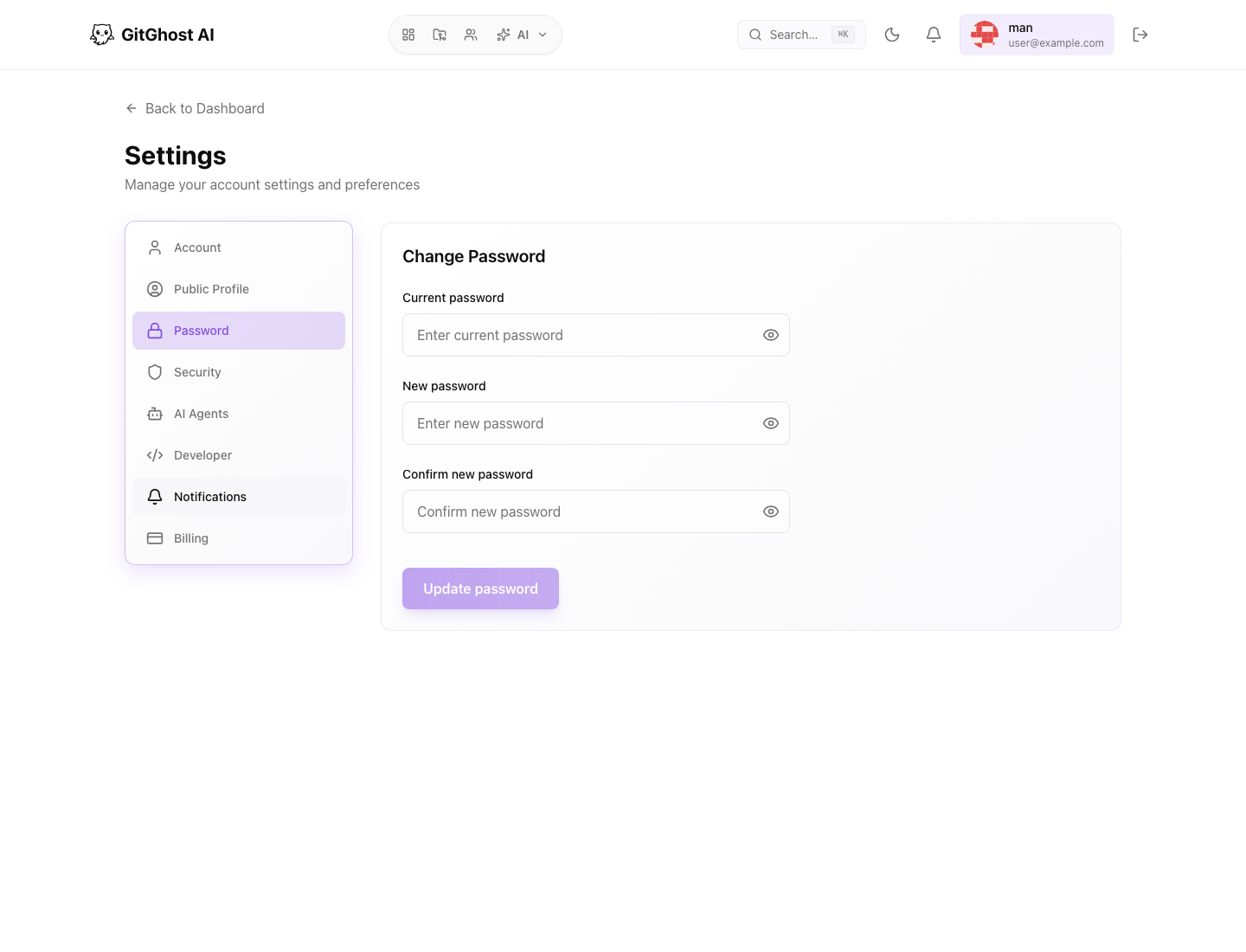
Use the password page to change your password. Pick a unique password and keep it out of project variables, issue comments, and local scripts.
If you signed in through an external identity provider, password settings may differ from email-and-password accounts.
Project Access Tokens
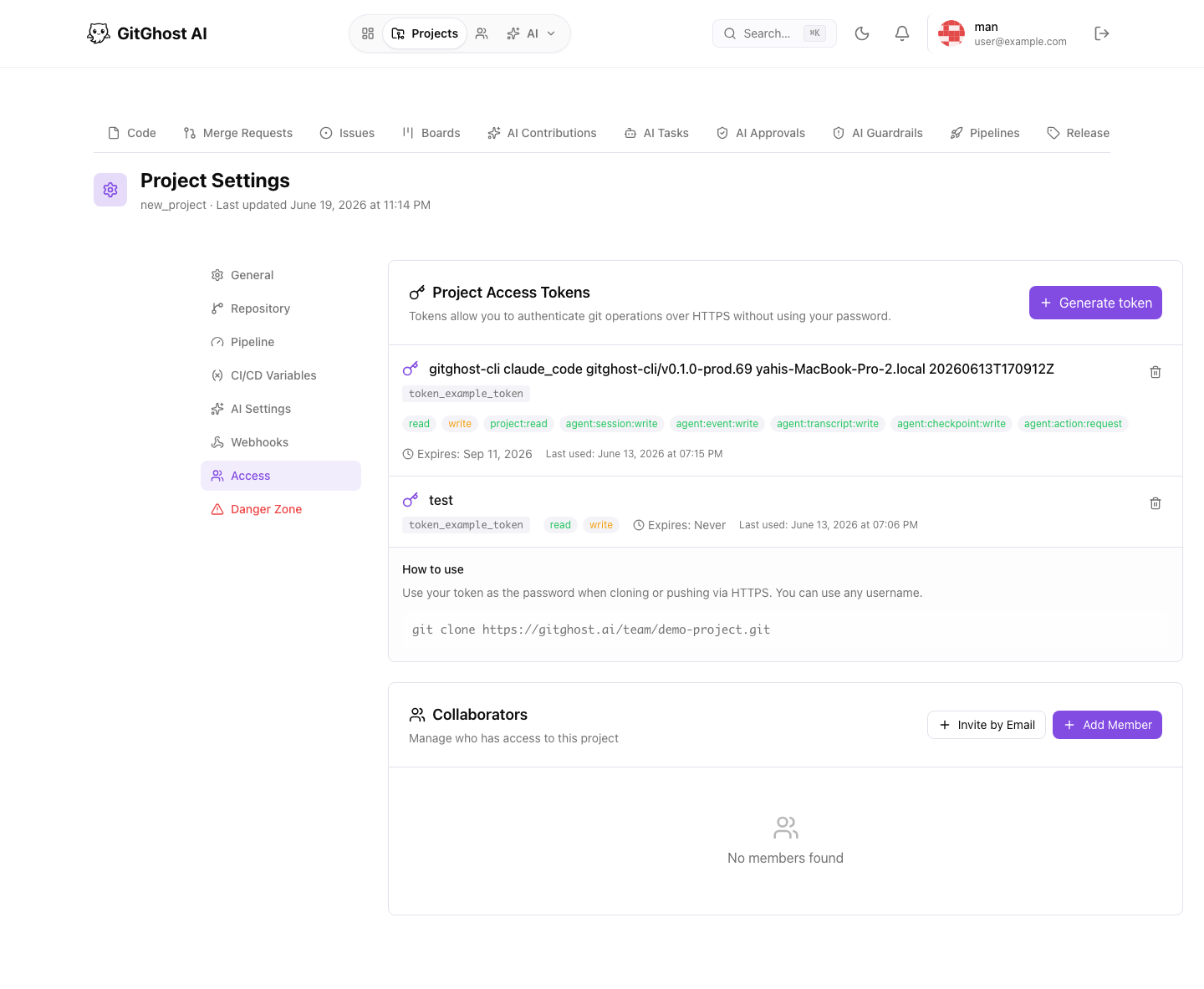
Project access tokens are useful for HTTPS Git access to one project. Give each token a clear name, the minimum required scope, and an expiry date.
Use project tokens for automation that should not act as a personal user. Revoke tokens when automation is retired.
CI/CD Variables
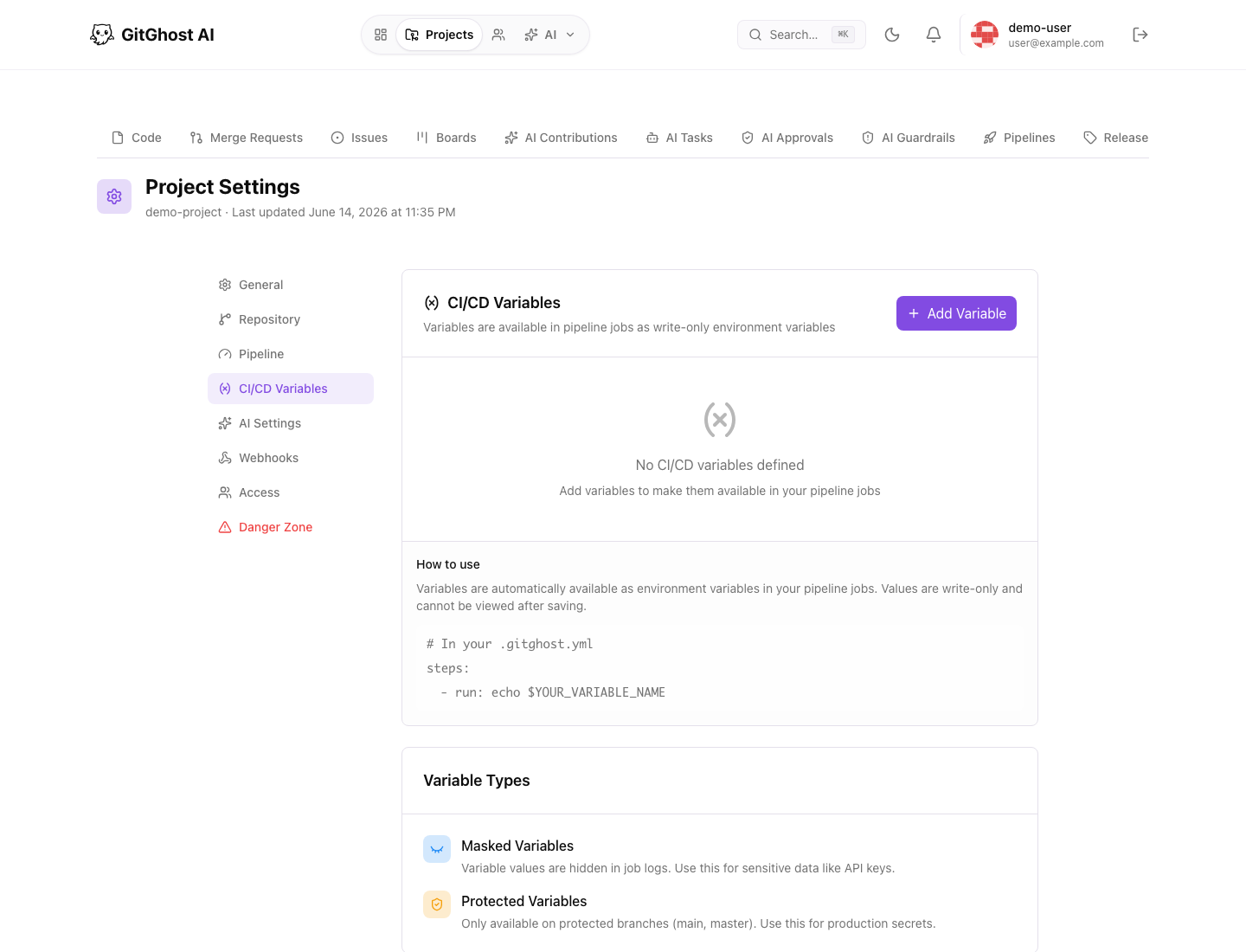
CI/CD variables are available to pipeline jobs as environment variables.
When creating a variable:
- Use a clear uppercase key.
- Enable masking for sensitive values.
- Enable protected mode when the value should only reach protected branches.
- Use an environment value when the variable is environment-specific.
- Delete variables that are no longer used.
Project Secrets
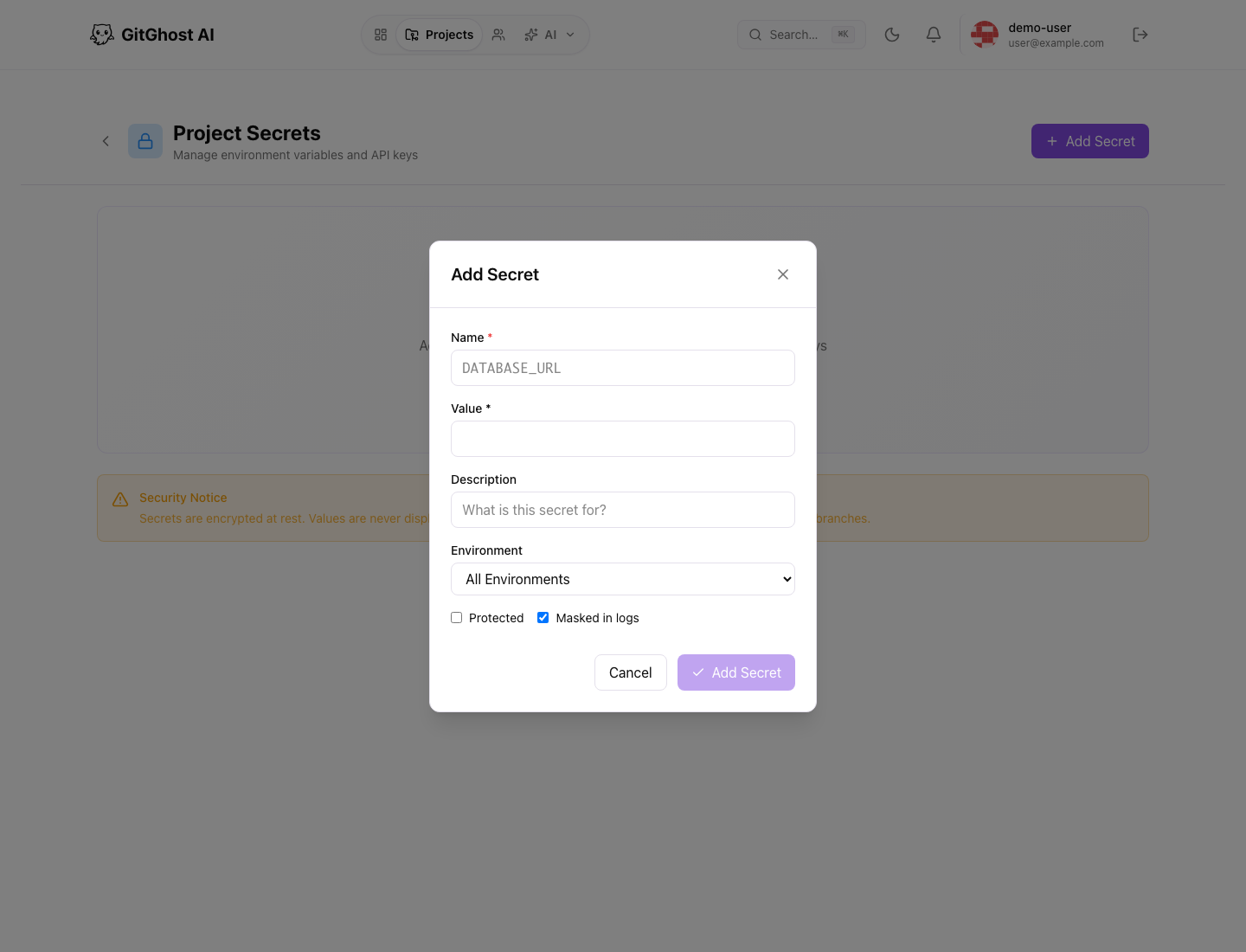
Project secrets are for trusted project workflows that need protected values. Values are write-only after creation.
Use project secrets for values that should not be printed in logs, exposed to untrusted branches, or copied into pipeline configuration.
OAuth Application Secrets
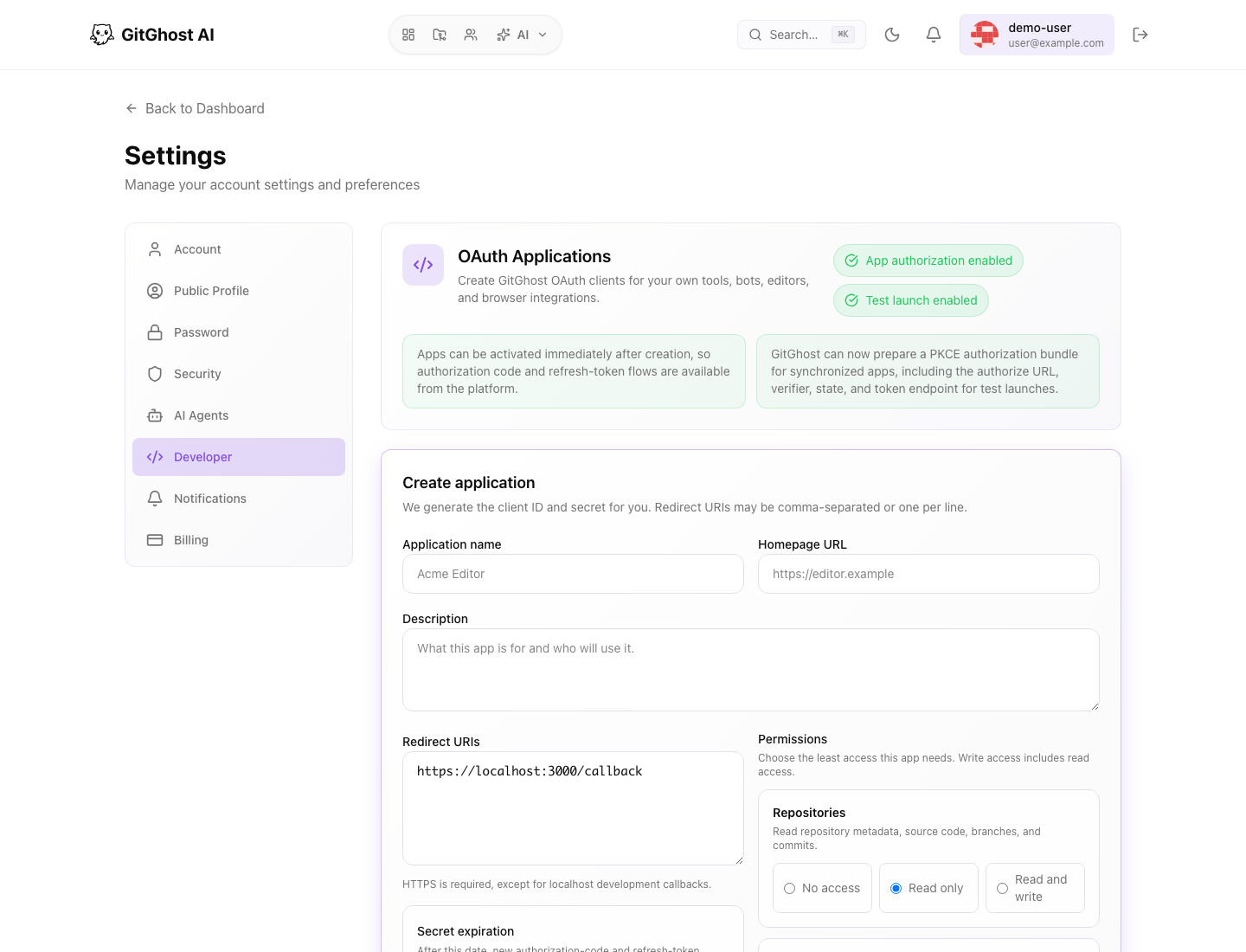
OAuth client secrets are shown only when created or rotated. Store the secret in your application configuration or approved secret manager before leaving the page.
Rotate OAuth secrets when:
- A maintainer who had access leaves the project.
- The app logs accidentally exposed the secret.
- The app is moving between environments.
- The secret is close to expiry.
What Not To Share
Never share:
- Full access tokens.
- OAuth client secrets.
- Webhook secret tokens.
- SSH private keys.
- Secret values.
- Passwords.
- Raw logs that contain secrets.
It is usually safe to share a token prefix, token name, expiry date, and scope when asking for help.