Merge Requests
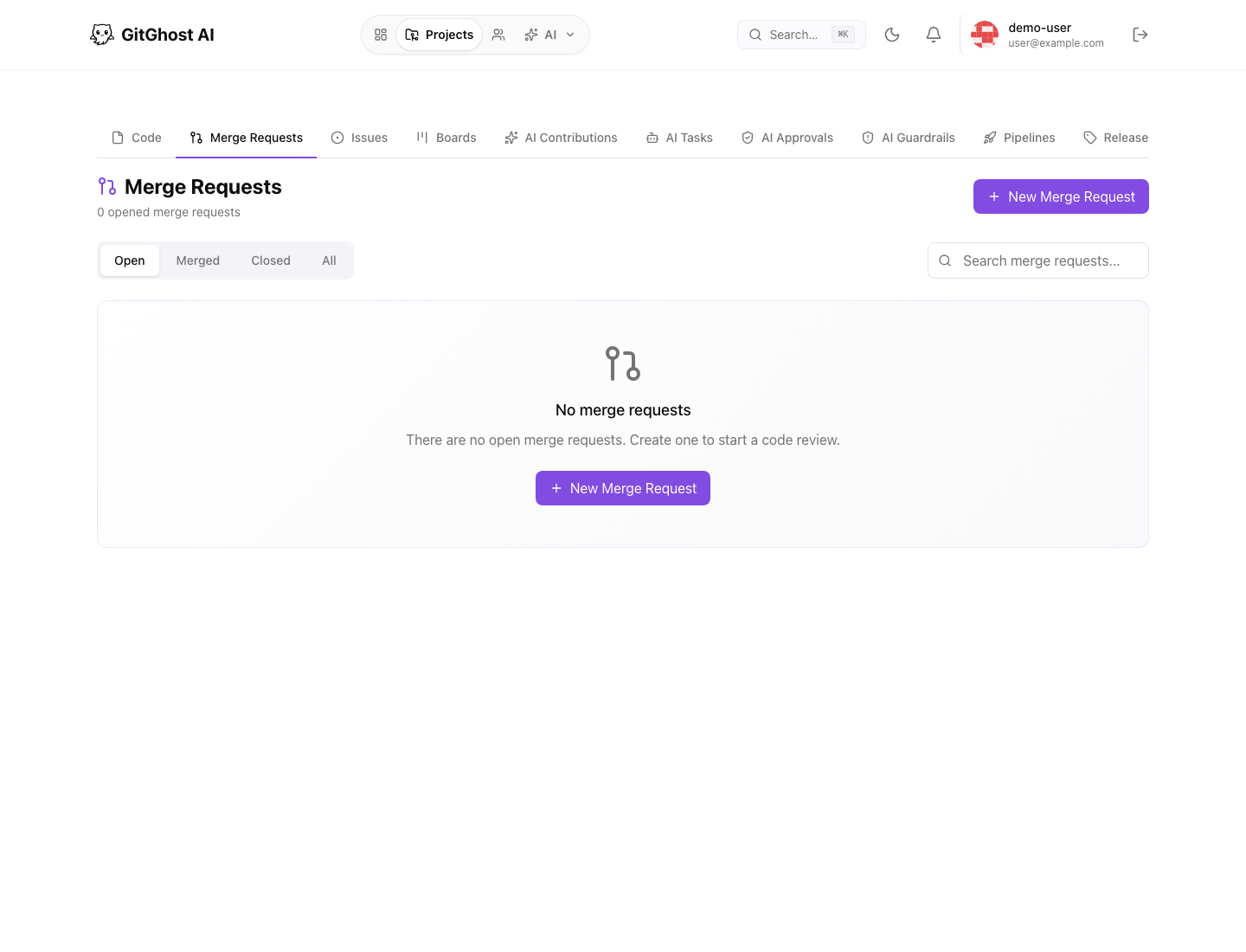
Merge requests are where Gitghost AI turns a branch into a reviewed change. Use them for human changes, AI-generated changes, dependency fixes, and any update that needs discussion before it lands on the default branch.
When To Open One
Open a merge request when a branch is ready for review or when you want early feedback on work in progress. A good merge request includes:
- A focused title that names the change.
- A source branch and target branch.
- A short description of why the change exists.
- Related issue links when the change closes or updates tracked work.
- Pipeline and security evidence when available.
Create A Merge Request
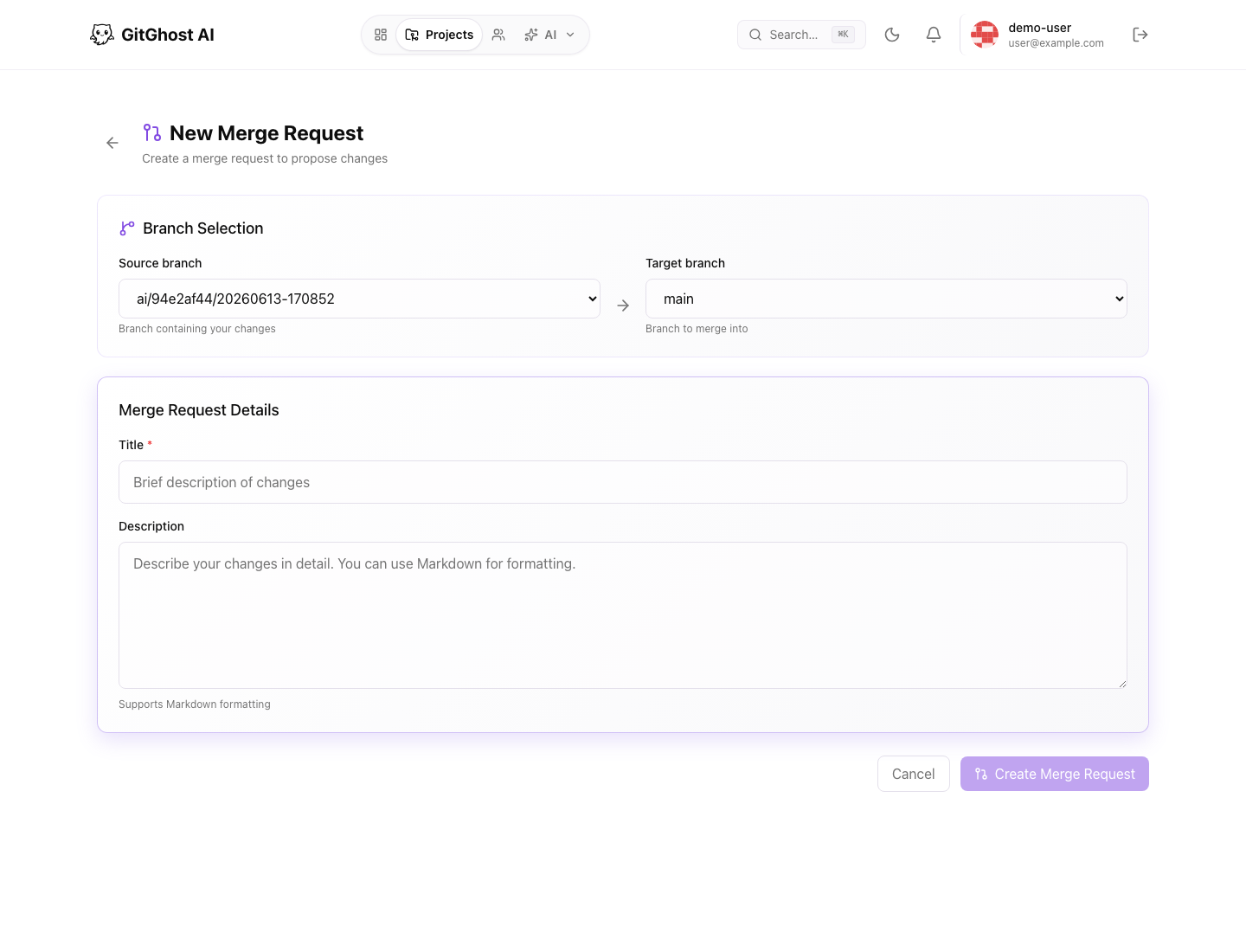
From a project:
- Open Merge Requests.
- Select New Merge Request.
- Choose the source branch that contains the change.
- Choose the target branch, usually the default branch.
- Add a title and description.
- Create the merge request.
If Gitghost AI says there are not enough branches, create or import a feature branch first. A merge request needs at least one source branch and one target branch.
Review A Merge Request
Use the merge request page to review the proposal from three angles:
| Area | What To Check |
|---|---|
| Conversation | Comments, open questions, and reviewer decisions. |
| Code changes | File diffs, deleted lines, added lines, and generated changes. |
| Validation | Pipeline status, security status, conflict checks, and AI provenance. |
Do not merge a change only because the diff looks small. Confirm the branch is current, validation has run, and the change matches the linked issue or task.
AI Provenance
When AI-assisted work is attached to a merge request, Gitghost AI can show where the work came from: the originating session, generated branch, related issue, and validation evidence. Treat this as review context, not as an automatic approval.
Use AI provenance to answer:
- Which agent or assistant produced the change?
- Was the work generated from an issue, chat, or local agent session?
- Did the change pass the expected pipeline and security checks?
- Are there approval requests or guardrail events connected to the work?
Merge Readiness
Before merging, confirm:
- The source branch is correct.
- Review comments are resolved.
- Required checks are green or intentionally waived by a maintainer.
- Security findings are fixed, accepted, or tracked.
- The merge method is appropriate for the repository history.
Close Or Reopen
Close a merge request when the proposal should not land. Reopen it if the branch becomes relevant again. Closing a merge request does not delete the branch by itself.