AI Sessions And Evidence
AI sessions are the audit trail for agent work. They connect prompts, checkpoints, transcript evidence, files, branches, action requests, and linked merge requests.
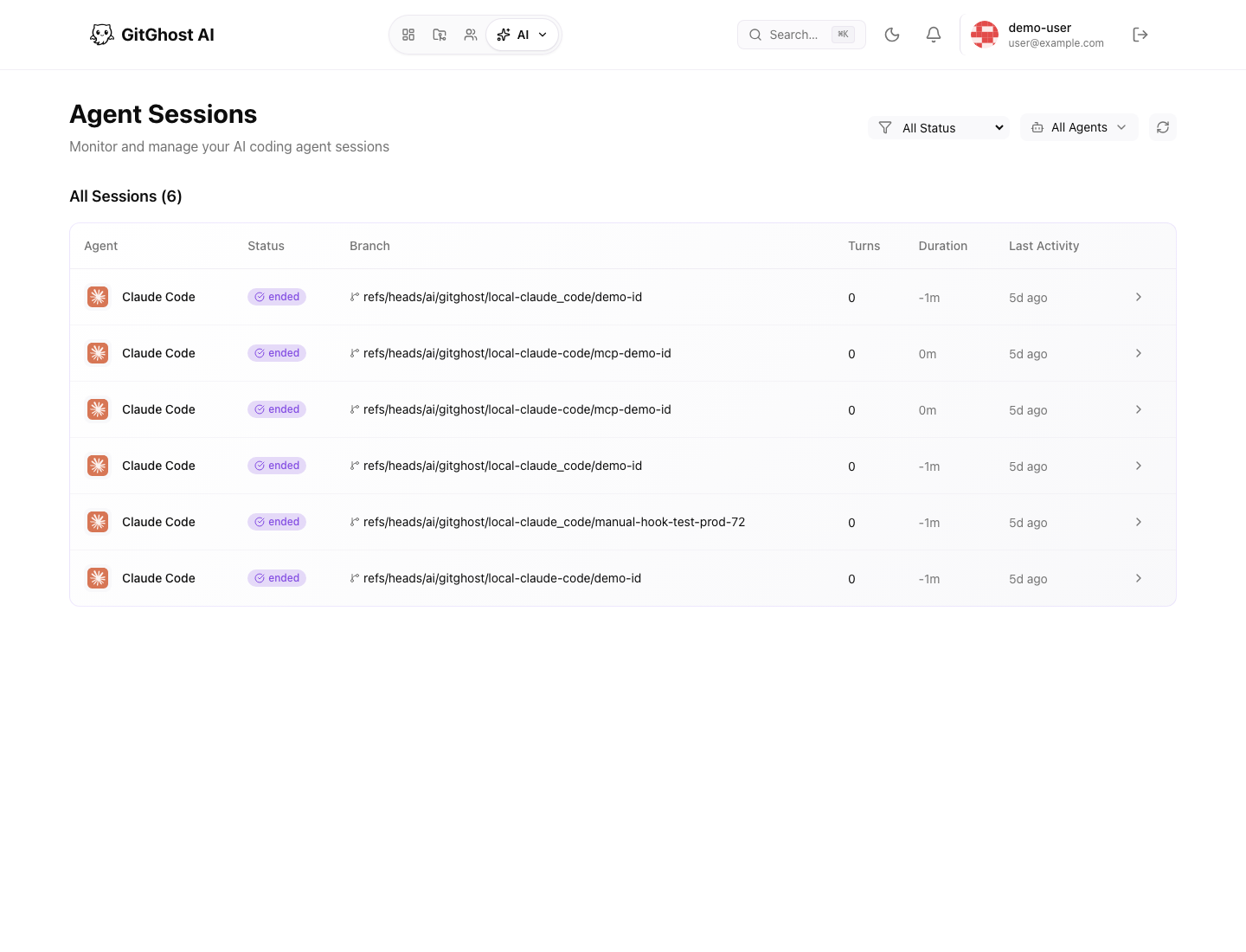
Session List
Open Agent Sessions to review active and recent AI coding sessions.
Use filters to narrow by:
- Session status.
- Agent type.
- Active or recent work.
- Project-linked activity.
Session phases can include idle, active, processing, ended, or error. An active or processing session may still be producing evidence.
Session Detail
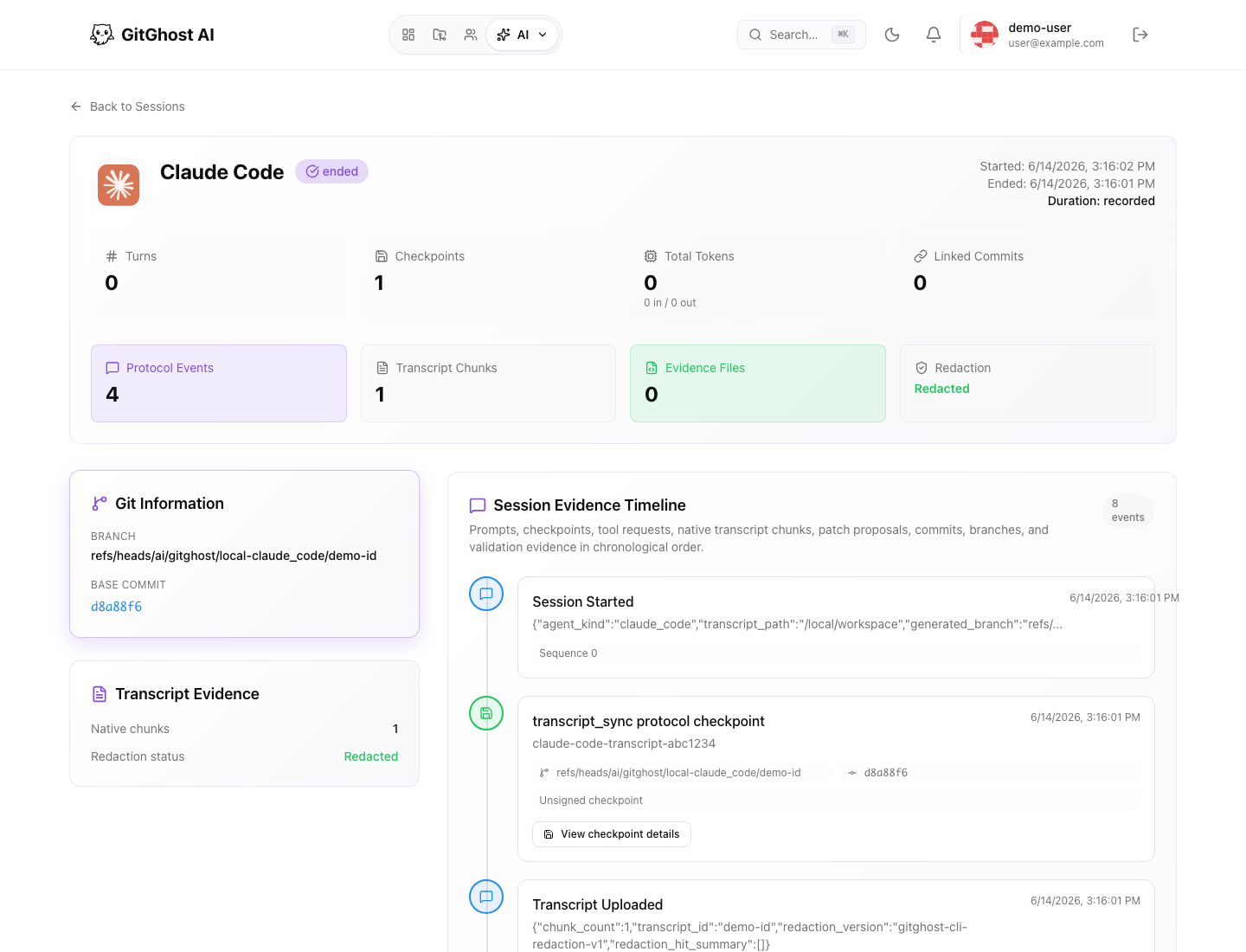
A session detail page can include:
| Evidence | What It Means |
|---|---|
| Turns | User and assistant interaction count. |
| Checkpoints | Saved milestones from the agent workflow. |
| Transcript chunks | Redacted transcript evidence. |
| Evidence files | Files attached to the session record. |
| Linked commits | Commits associated with the session. |
| Action requests | Agent requests that need review or approval. |
| Evidence timeline | Chronological view of session activity. |
Use the evidence page before trusting an AI-generated branch. It shows whether the work has a clear origin and whether the transcript was redacted.
AI Contributions
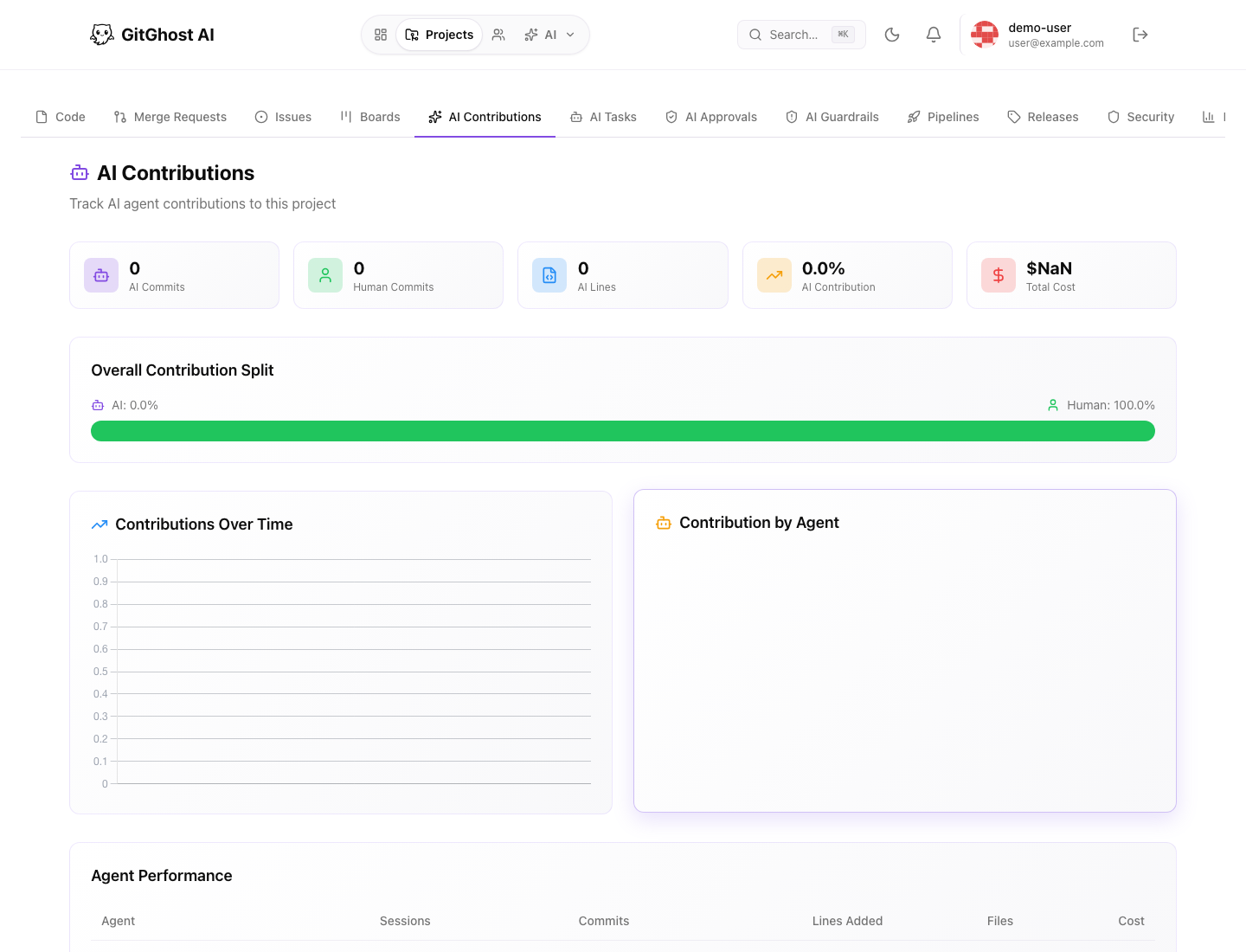
The project AI Contributions tab summarizes AI and human contribution patterns.
Use it to review:
- AI contribution split.
- Agent performance by sessions and changes.
- Recent commits with attribution.
- Recent AI sessions.
Attribution helps answer who or what produced a change. It does not replace code review.
AI Tasks
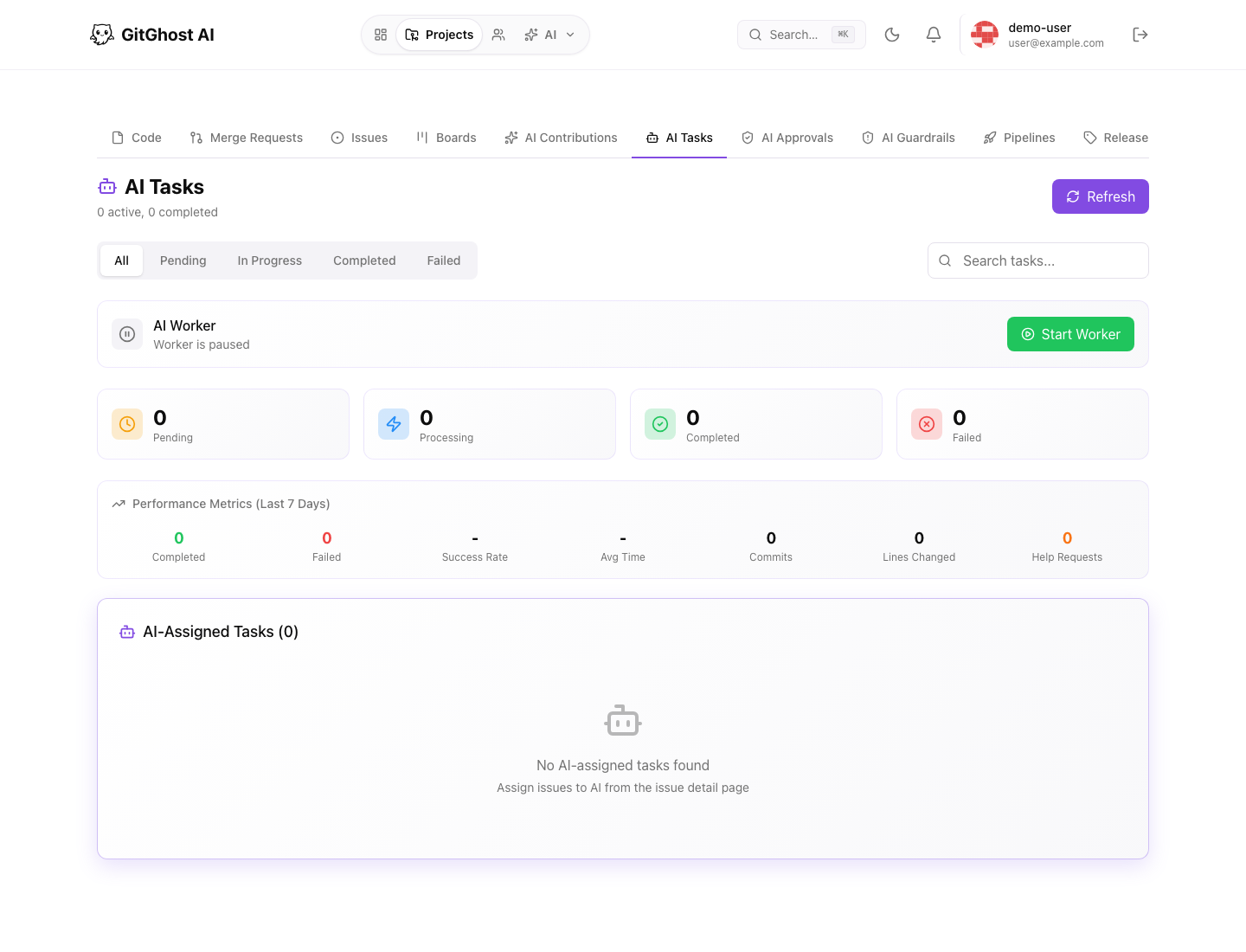
The project AI Tasks tab tracks work assigned to AI workers. Use it to see which tasks are queued, active, blocked, or completed.
AI task review should include:
- The source issue or request.
- The assigned agent or worker.
- Current status.
- Any warnings or blocked work.
- Linked outputs such as branches, merge requests, or scans.
AI Activity
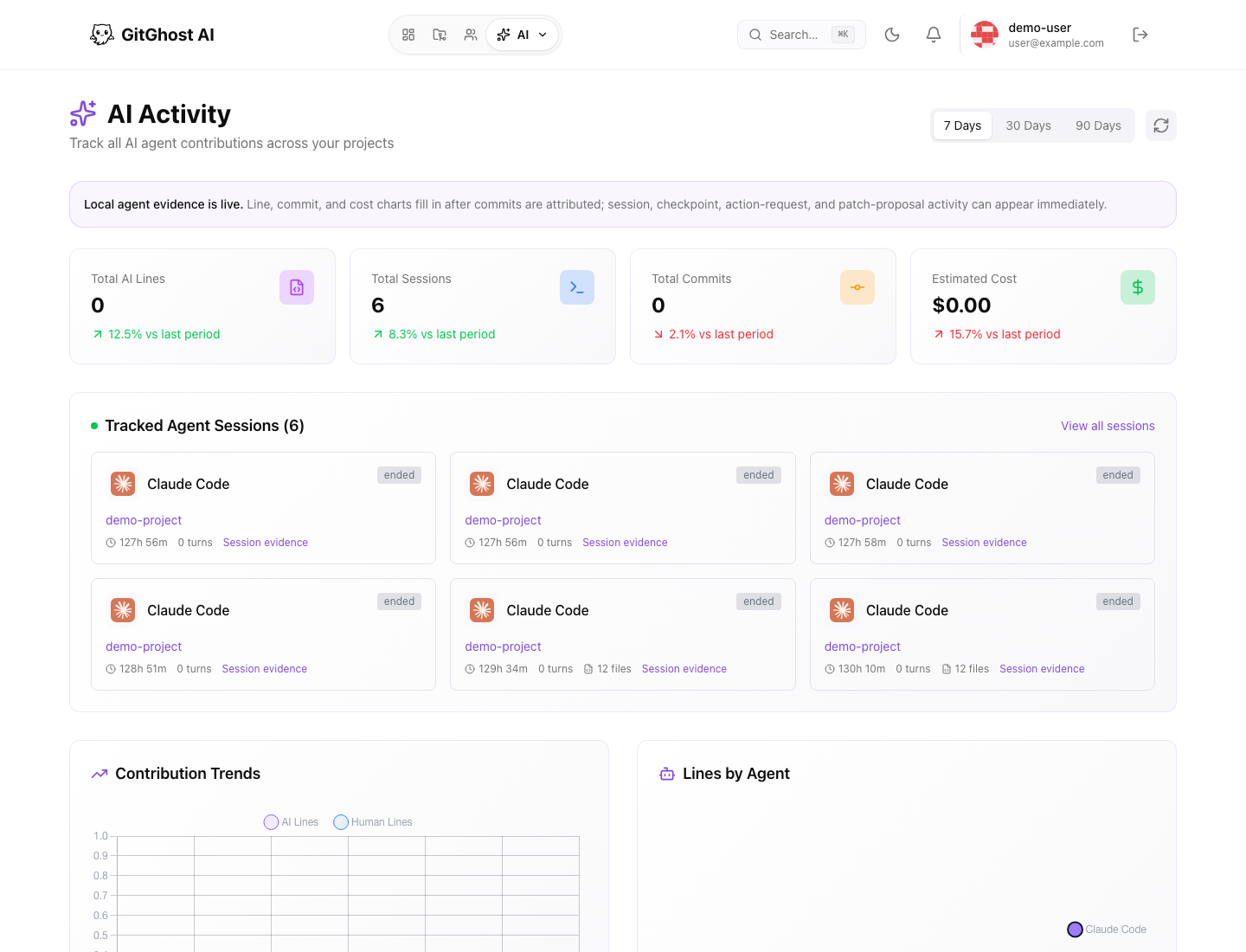
The global AI Activity page rolls up AI work across projects. It can show lines, sessions, commits, cost, contribution trends, agent breakdown, and recent activity.
Use it for account-level review, not for approving a specific change. For approval, open the linked issue, merge request, or session.
Reading Evidence Safely
When reviewing session evidence:
- Check that transcript evidence is redacted before sharing screenshots.
- Do not paste secrets or private logs into comments.
- Confirm the branch and issue match the requested work.
- Confirm action requests were approved when required.
- Confirm validation evidence exists before merging.