AI Jobs, Plans, And Approvals
Gitghost AI work is reviewable because the platform separates intent, plan, execution, approval, and evidence.
Workflow Model
| Stage | What It Means | Review Focus |
|---|---|---|
| Chat or issue | A user asks for help or assigns work. | Is the request clear and allowed? |
| Plan | Gitghost AI records proposed steps and risk. | Which tools, files, secrets, network, and runtime are requested? |
| Approval | A maintainer reviews risky actions. | Does the exact tool request match the expected work? |
| Job | The agent executes in a controlled workflow. | Status, logs, branch, commit, and cancellation. |
| Evidence | Gitghost AI links outputs and validation. | Pipeline, security scan, merge request, transcript, and artifacts. |
| Review | A human decides what lands. | Code diff, validation, comments, and merge readiness. |
AI Tasks
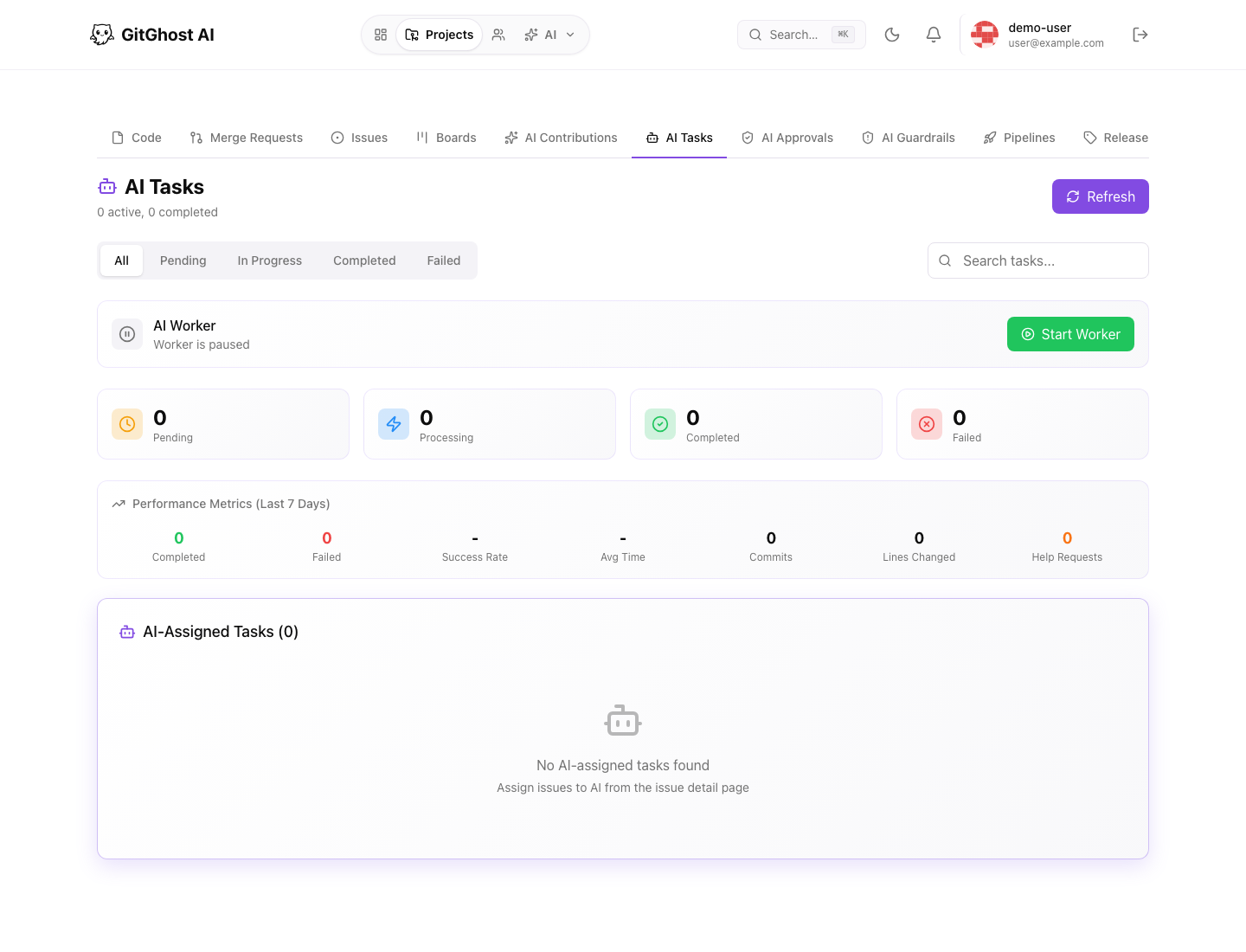
The AI tasks page shows queued and completed work. Use it to find the job or plan connected to an issue, chat, or merge request.
Track task status before starting duplicate work. A task that is waiting for approval should be reviewed rather than restarted.
Action Plans
An action plan previews the AI agent's intended work before risky execution. It can include:
- Goal.
- Planned steps.
- Tool name and risk class.
- Required capability.
- Redacted input.
- Diff preview when available.
- Secret, egress, runtime, budget, and retention signals.
- Linked jobs and approvals.
- Audit timeline.
Do not approve a plan only because the title looks right. Inspect the planned tool and risk evidence.
Job Supervision
AI job detail can show:
- Execution state.
- Queue and retry count.
- Cancellation controls when available.
- Diagnostics and next steps.
- Prompt-to-validation provenance.
- Planned steps.
- Approval evidence.
- Tool audit timeline.
- Branch, commit, merge request, pipeline, and security scan links.
- Live workspace logs.
- Workspace evidence artifacts such as logs, transcripts, checkpoints, and output bundles.
Use job detail to decide whether the work is progressing, blocked, failed, or ready for review.
Approval Review
Approval requests protect risky AI actions. A pending approval should show why permission is needed and what tool or capability is being requested.
Before approving:
- Read the requested reason.
- Confirm the tool name and risk class.
- Review linked plan evidence.
- Confirm the request matches the issue or chat intent.
- Check project Agent Policy.
- Add a decision reason.
Reject a request when the action is unsafe, unnecessary, or unclear. Cancel stale requests instead of leaving them pending.
Guardrails
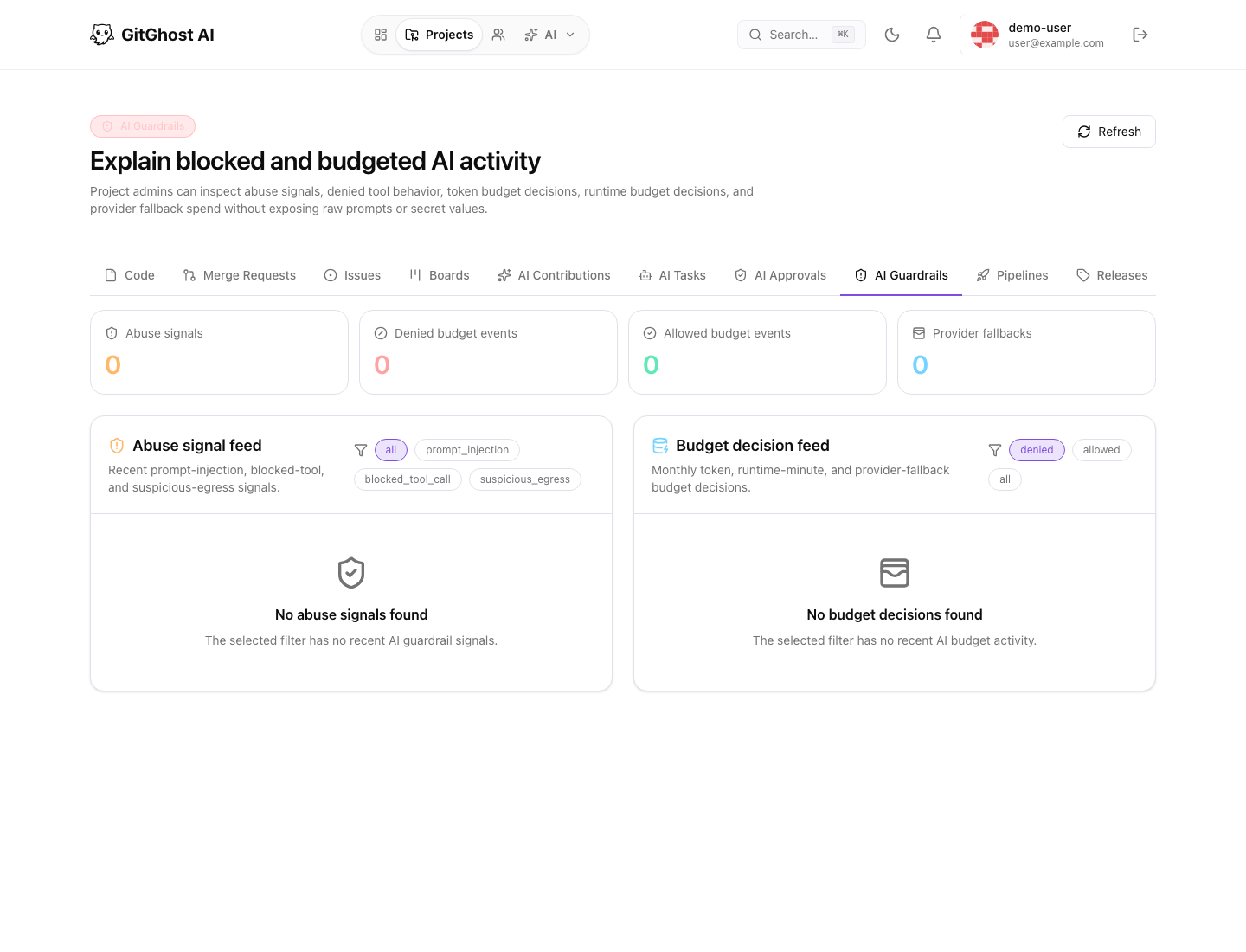
Guardrails explain blocked or budgeted AI activity. Use them to understand:
- Abuse signals.
- Budget decisions.
- Tool risk restrictions.
- Policy blocks.
- Why a local or hosted agent could not continue.
If the UI says local agent sync is disabled by project Agent Policy, a maintainer must change policy before a connect code can be created.
Evidence Artifacts
Evidence artifacts help reviewers understand what happened without trusting a summary alone. They may include final logs, transcripts, checkpoints, and output bundles.
Treat evidence artifacts like project data:
- Download only when needed.
- Do not share transcripts outside approved channels.
- Check whether previews are truncated.
- Use linked pipeline and security results for validation.