AI Tasks, Contributions, And Activity
AI work should stay visible from request to review. Gitghost AI separates task state, session evidence, contribution attribution, and account activity so reviewers can understand what happened before accepting a change.
AI Tasks
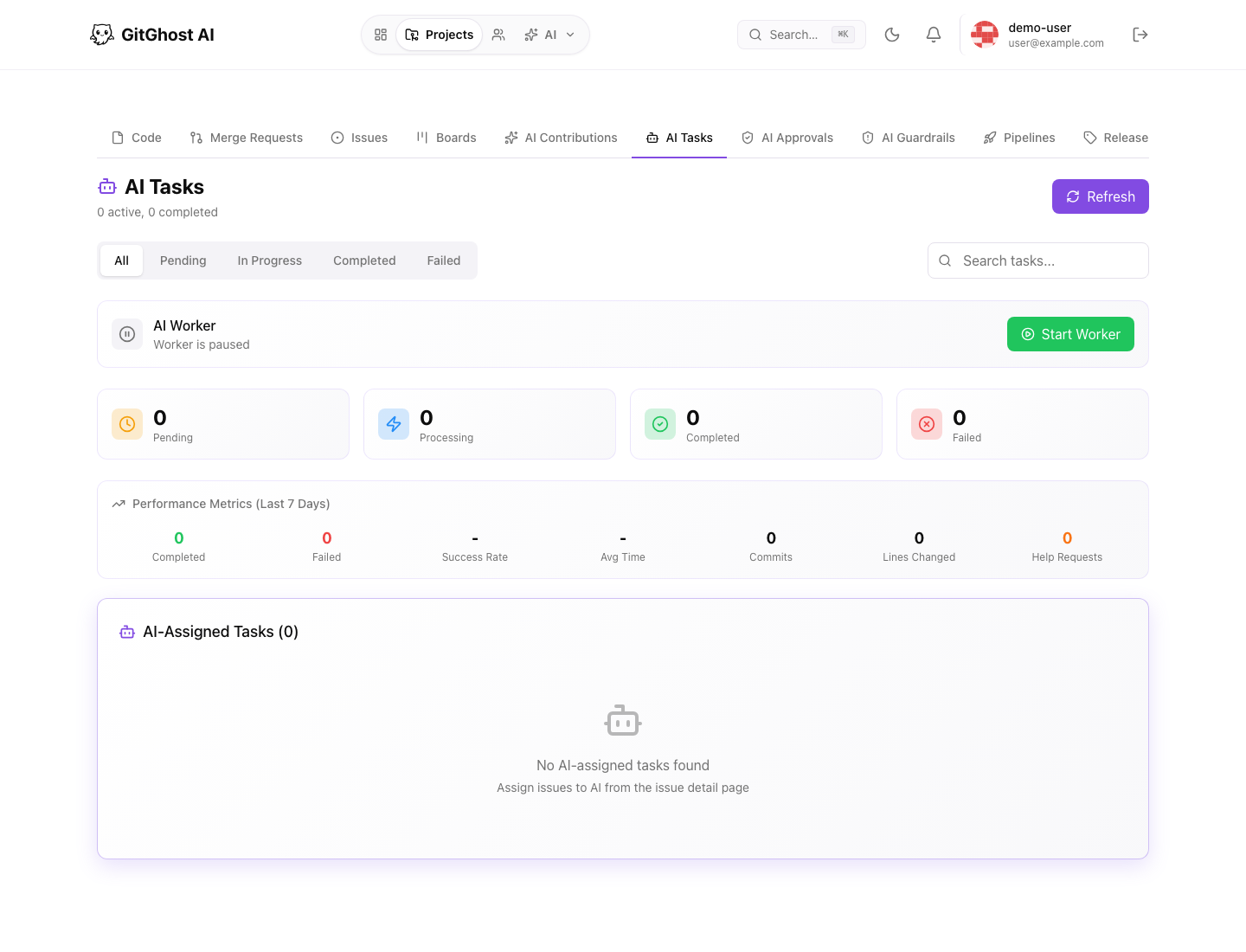
AI tasks track work that has been assigned to an AI workflow. A task may represent planning, implementation, review, remediation, or documentation work.
Review task fields such as:
- Status.
- Agent or worker type.
- Source project.
- Linked issue or request.
- Current step.
- Blocked reason.
- Linked output such as a branch, plan, approval, or merge request.
Do not approve a change only because an AI task is marked complete. Open the linked evidence.
AI Contributions
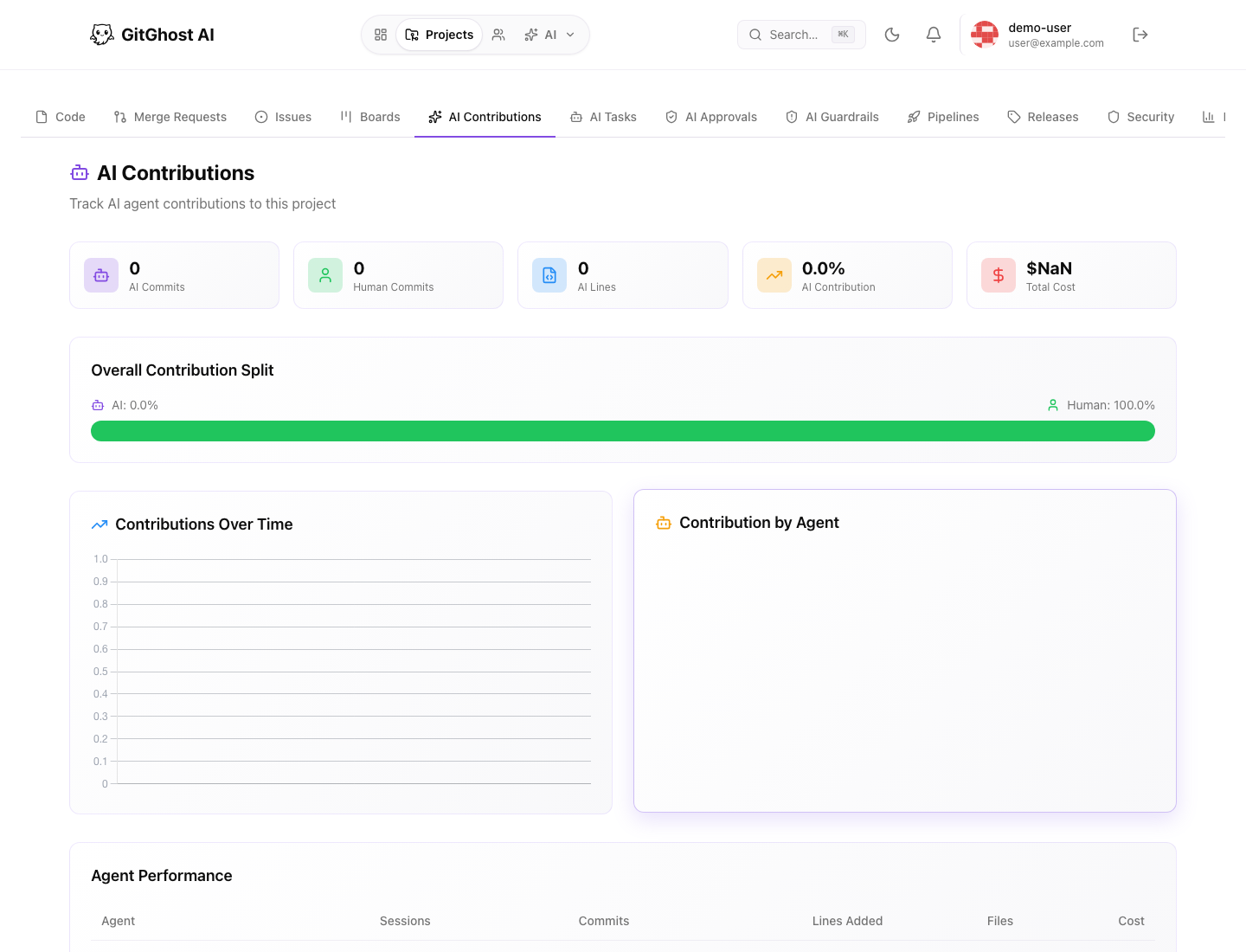
AI contribution views help maintainers understand how much work came from AI-assisted sessions compared with human-only work.
Use contributions to review:
- AI and human change split.
- Recent AI-attributed commits.
- Agents that contributed to the project.
- Sessions connected to repository changes.
- Whether a project is becoming too dependent on unreviewed automation.
Contribution data supports review; it is not a substitute for code review.
AI Activity
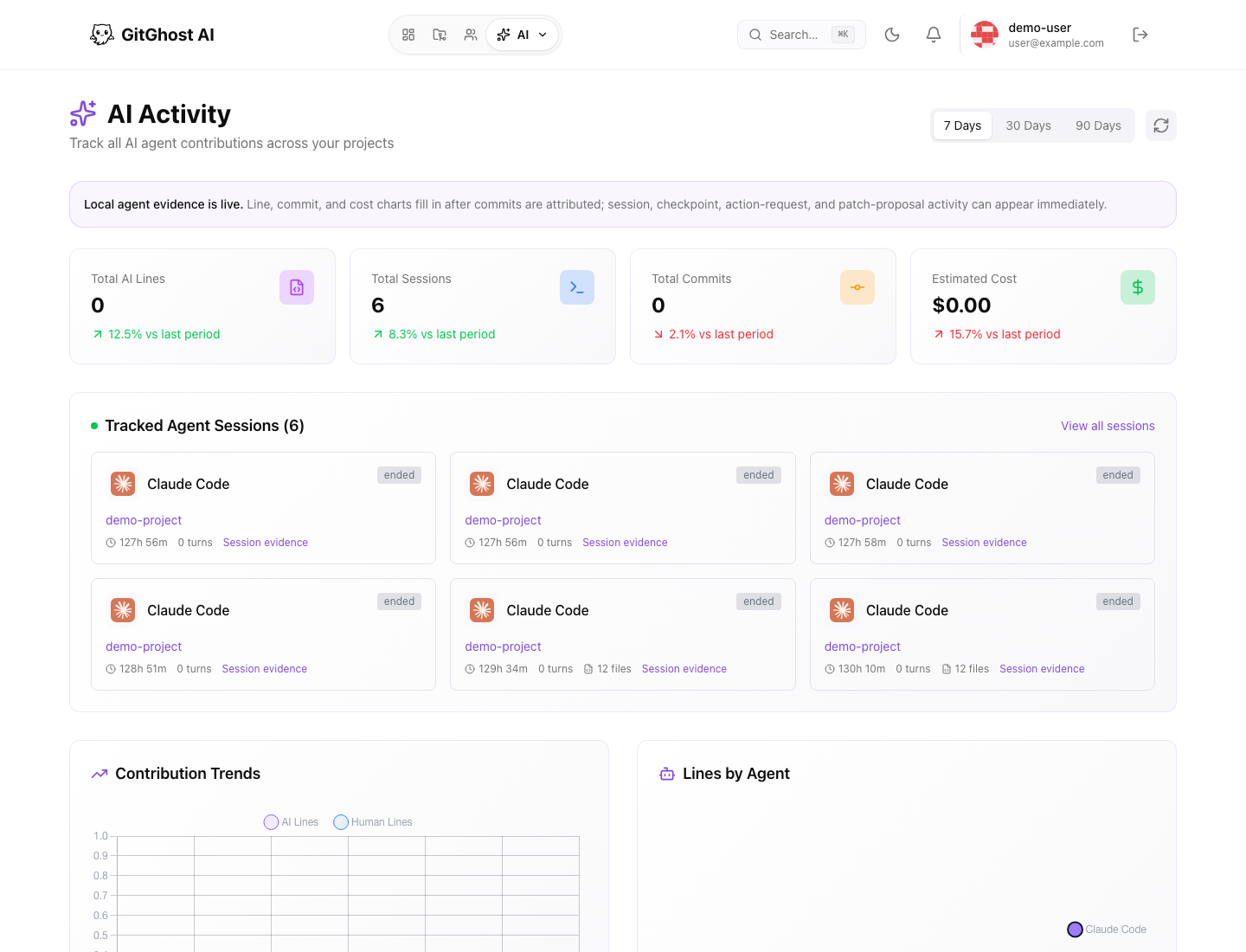
AI Activity is the account-level view for current and recent AI work across projects.
It can help answer:
- Which sessions are active?
- Which projects have recent AI work?
- Which agents are being used?
- Are AI usage or costs increasing?
- Are any sessions stuck or unusually noisy?
Open linked sessions, projects, or merge requests before taking action.
Project Insights
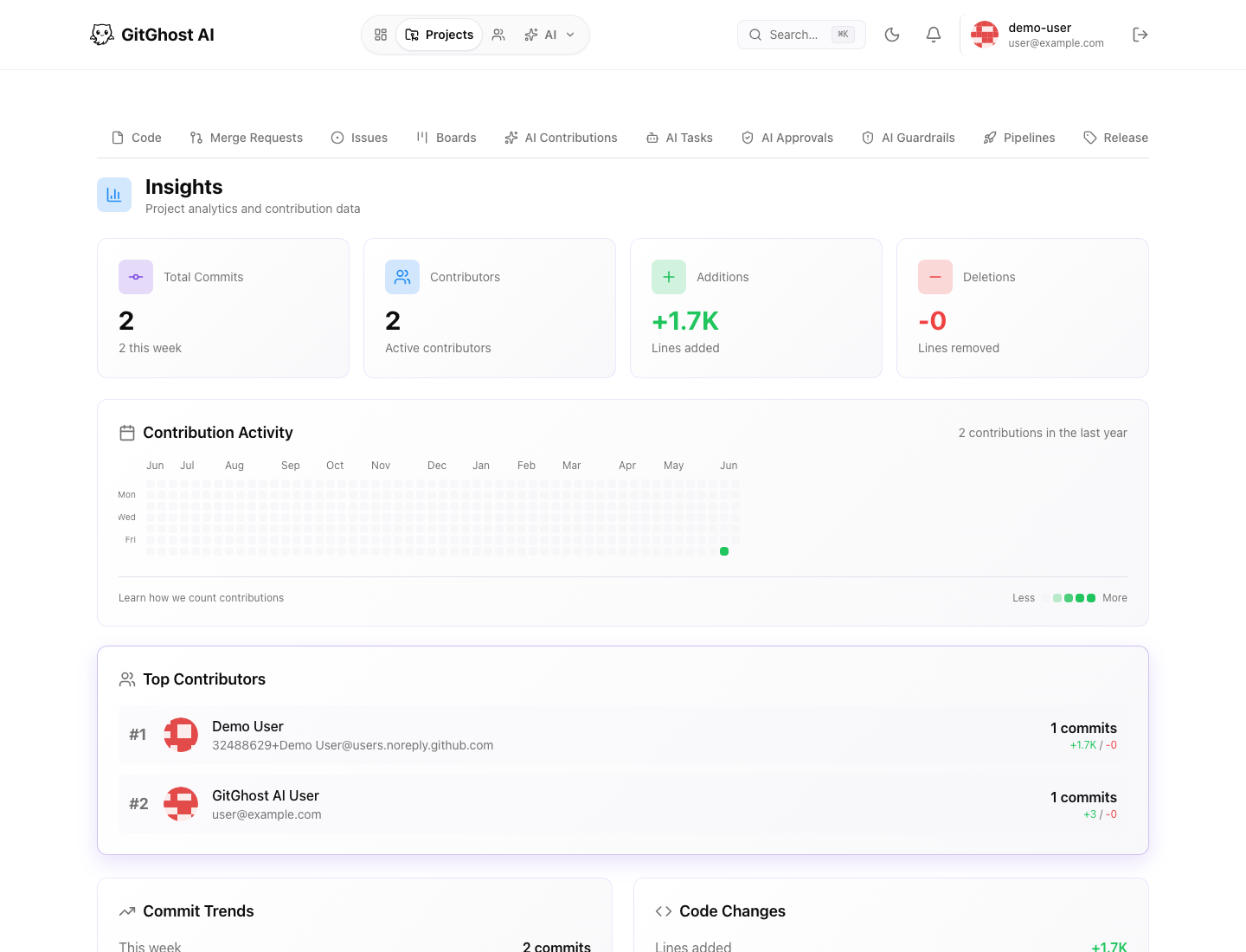
Project insights show repository-level contribution and activity patterns.
Use insights with AI contribution data to compare:
- Total commits.
- Recent commit trend.
- Active contributors.
- Line additions and deletions.
- Contribution calendar.
- Top contributors.
Large AI contribution spikes should trigger review of sessions, approvals, and merge requests.
Session Evidence
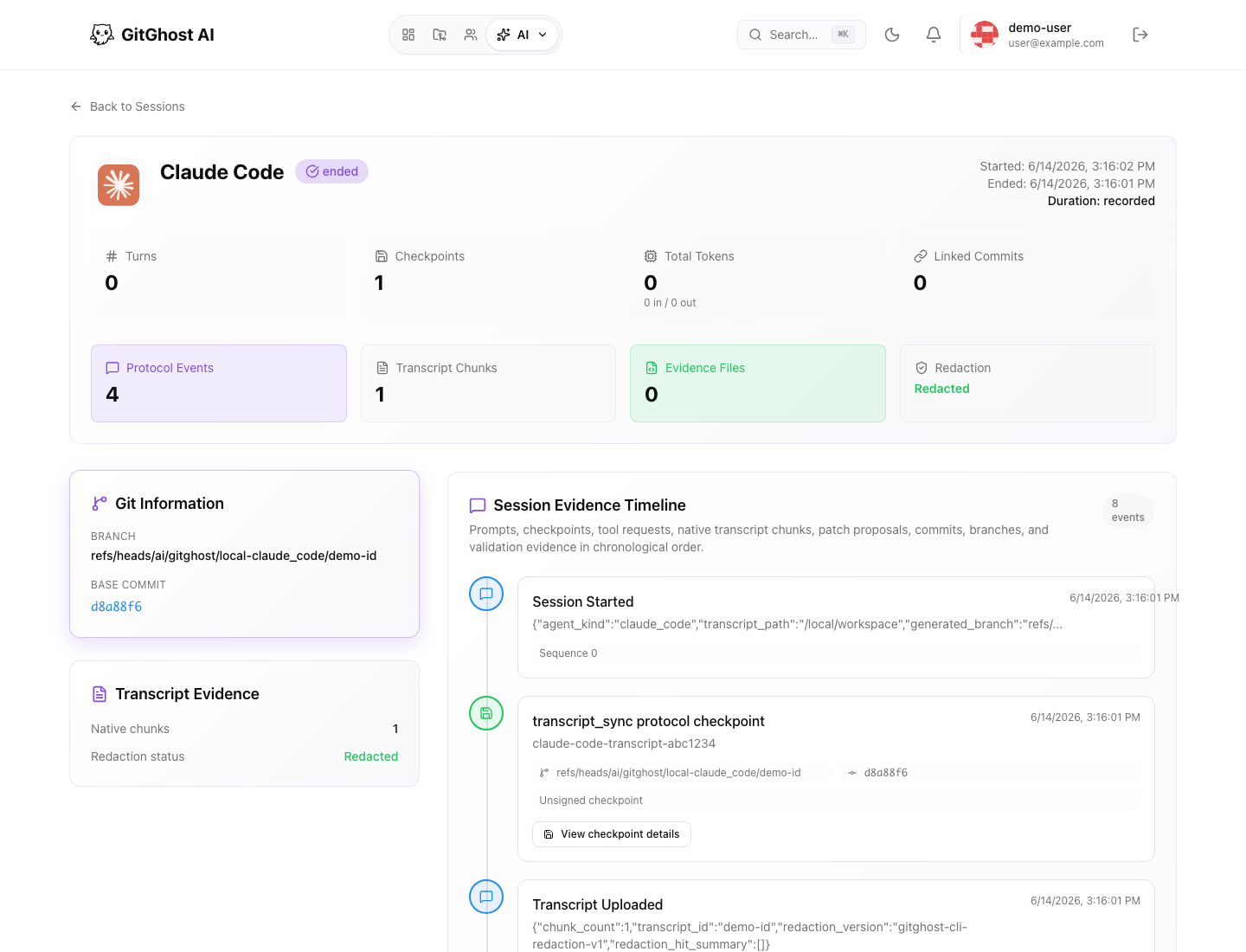
Session evidence is the primary review surface for AI work. It can include prompts, transcript metadata, checkpoints, files touched, action requests, and linked commits.
Before accepting AI output:
- Open the session.
- Confirm the request matches the issue or task.
- Check whether any action required approval.
- Review files touched and branches used.
- Confirm validation was run.
- Open the resulting merge request or commit diff.
Review Outcomes
After reviewing AI activity, choose the smallest correct action:
| Situation | Action |
|---|---|
| Evidence is complete and validation passed | Continue normal merge review. |
| Evidence is incomplete | Ask for more context or rerun validation. |
| Scope drifted from the issue | Send the agent back to a narrower task. |
| Risky action was requested | Deny or require maintainer approval. |
| Secrets or private content appear in output | Stop sharing, rotate affected credentials, and notify the project owner. |