Analytics And Activity
Gitghost AI has account-level and project-level activity views. Use them to understand project health, AI usage, contribution patterns, and validation trends.
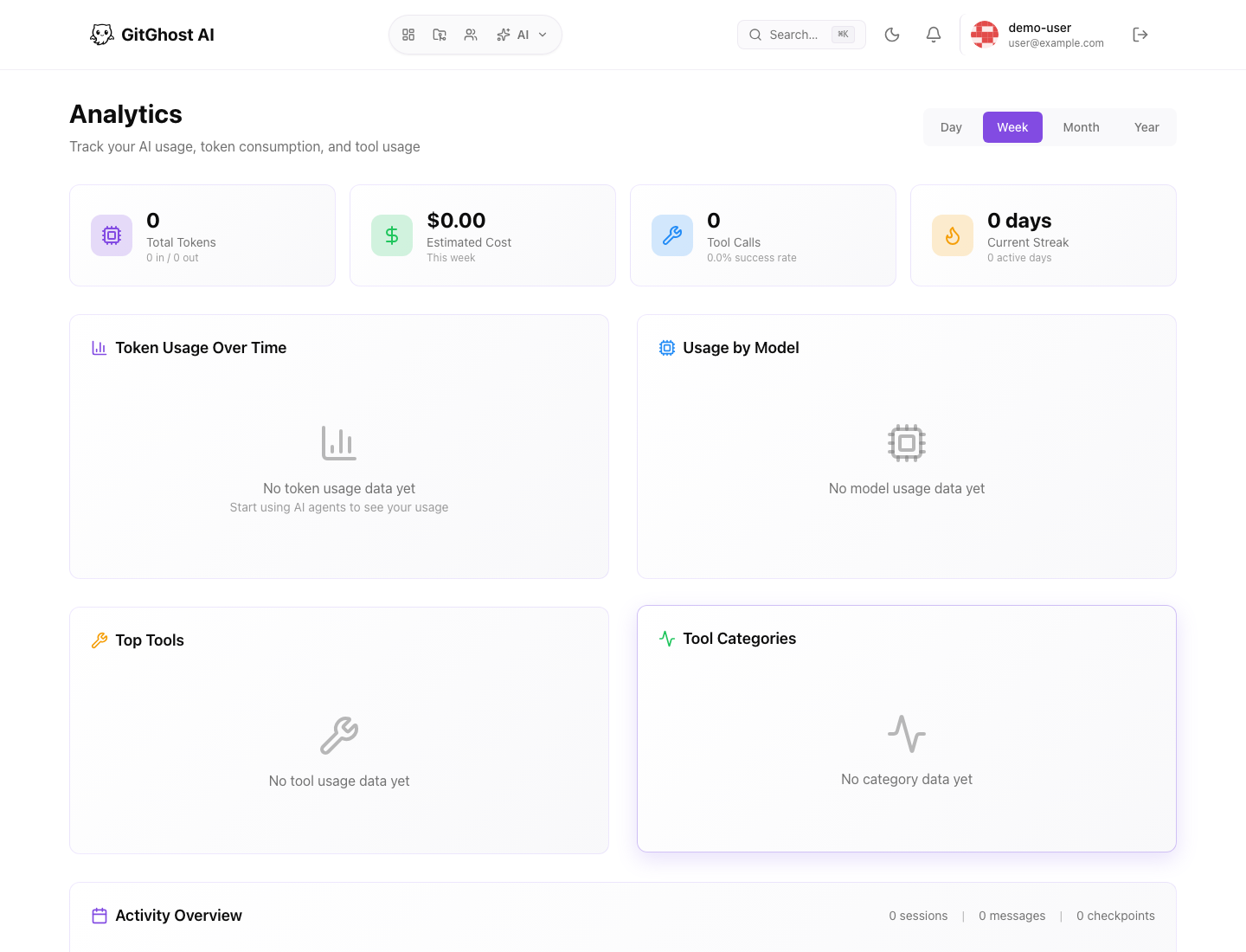
Account Analytics
The account analytics page summarizes usage over a selected period. It can include token use, tool use, agent activity, and activity history.
Use account analytics to answer:
- How much AI activity happened this period?
- Which tools or agents are used most?
- Are sessions increasing or decreasing?
- Are costs or token usage changing unexpectedly?
Do not use account analytics alone to approve code. Open the linked project, issue, merge request, or session for review.
Agent Control Room
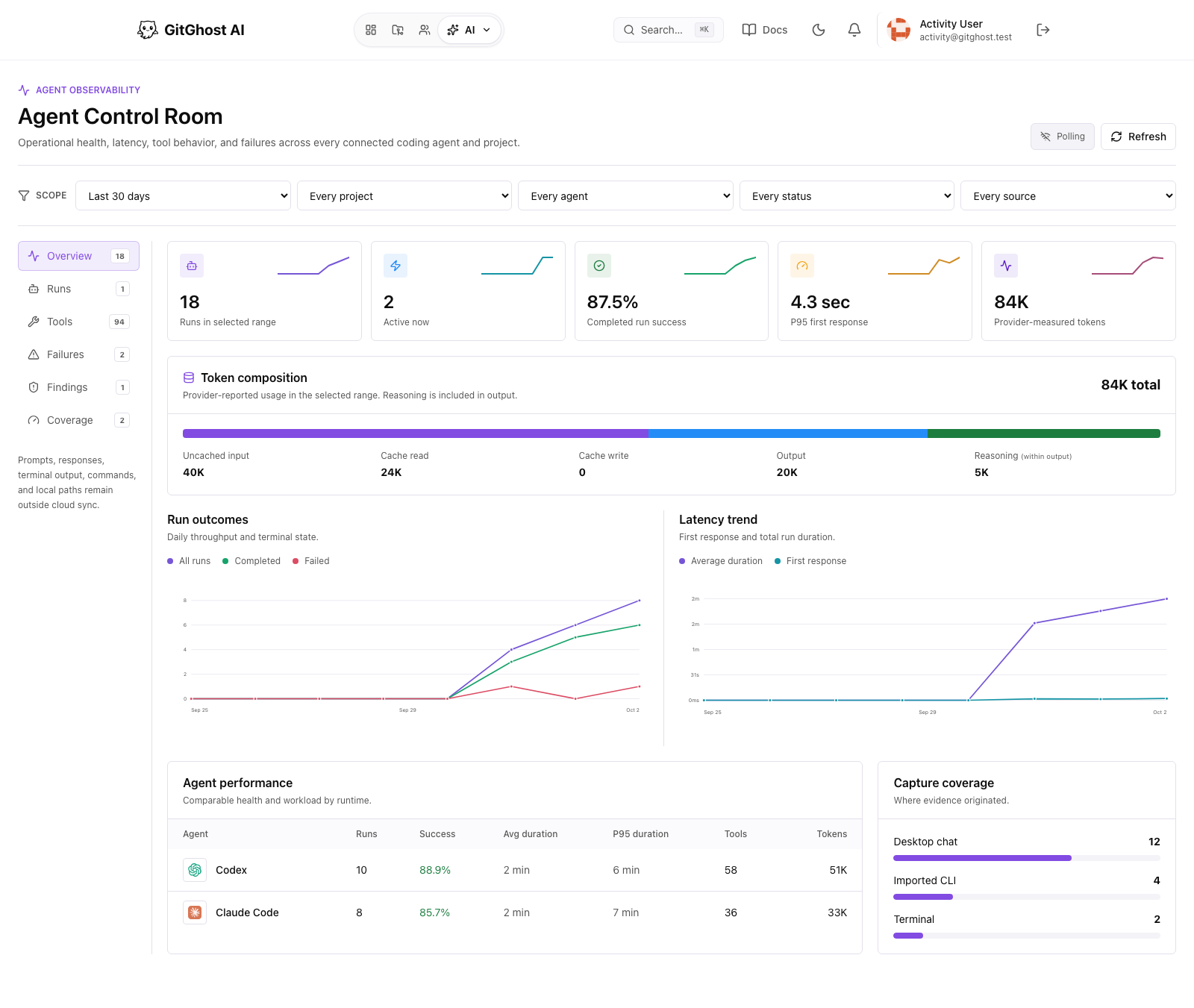
The Agent Control Room rolls up privacy-bounded operational activity synchronized from connected GitGhost Desktop projects. It shows:
- Run outcomes and first-response latency over time.
- Active, completed, failed, and attention-needed runs.
- Comparable agent performance and provider-reported token usage.
- Tool behavior, deterministic findings, and grouped failure classes.
- Capture source, project activity, recent runs, and sanitized run timelines.
Use it to spot unusual spikes, stalled agents, repeated failures, or slow response patterns. See Agent Control Room for the complete workflow and privacy boundary.
Project Insights
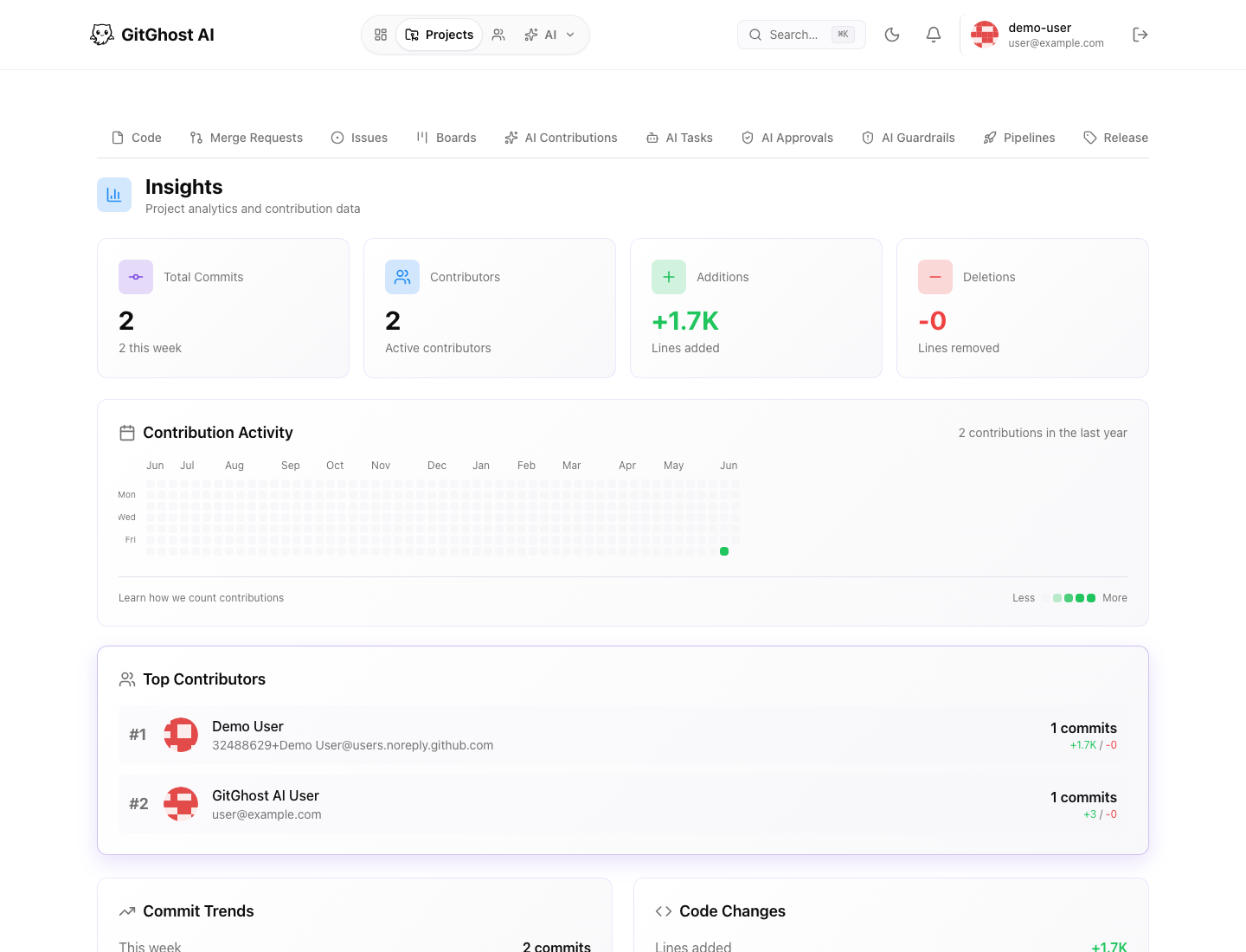
Project insights focus on one repository. They can include:
- Total commits.
- Contributor count.
- File and line changes.
- Contribution activity.
- Top contributors.
- Commit trends.
- Code changes.
Insights help you understand project activity but do not replace source review.
Groups
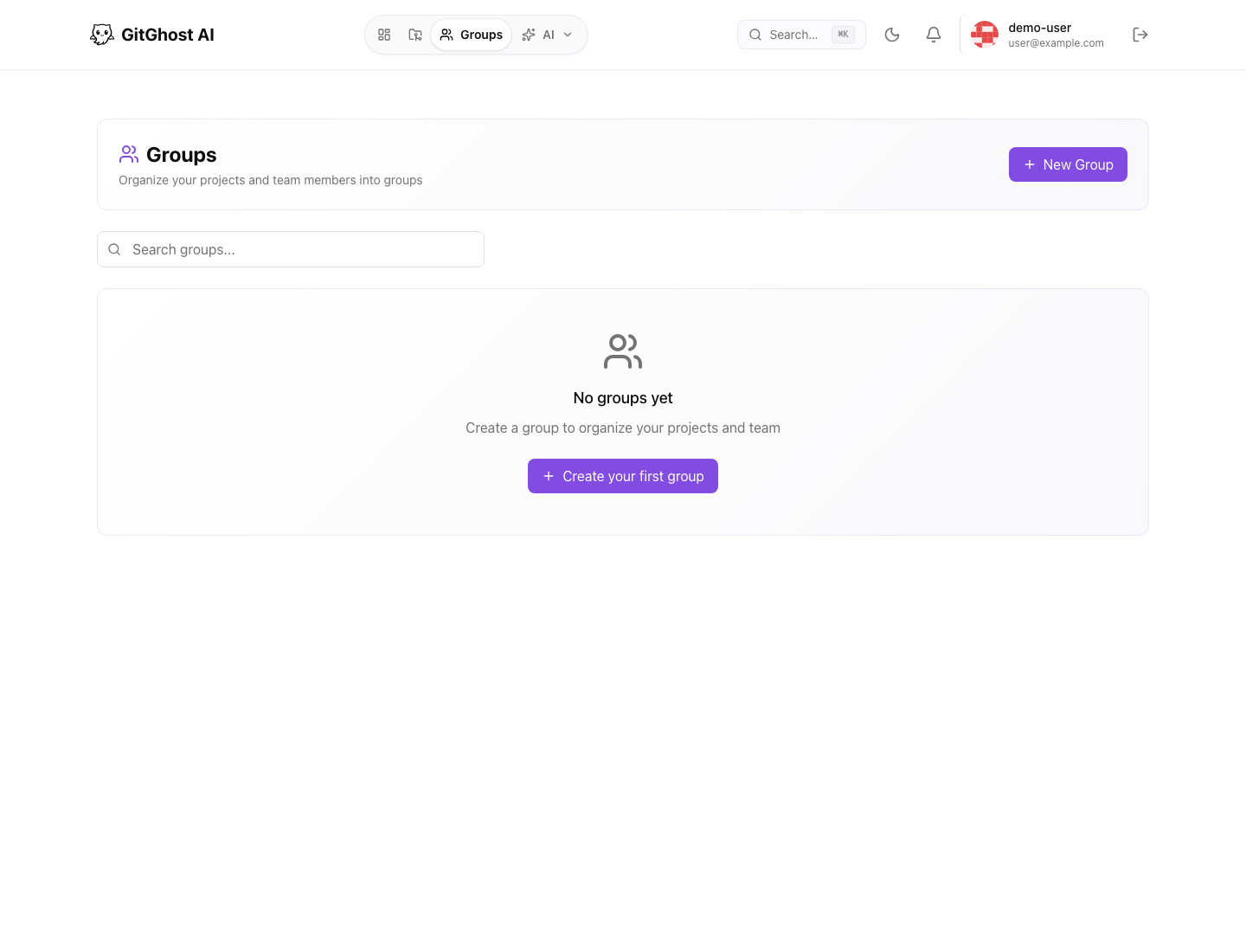
Groups organize people and projects. Use groups when multiple users need shared access, common ownership, or a cleaner way to find related projects.
Group workflows depend on your account permissions. If you cannot create or manage a group, ask a maintainer or account owner.
Practical Review Pattern
Use analytics as a starting point:
- Find a spike, trend, or unusual activity.
- Open the linked project.
- Review sessions, issues, merge requests, or pipelines.
- Confirm whether the activity was expected.
- Adjust project policy, notifications, or workflow only after reviewing the source evidence.