Groups And Profile
Gitghost AI includes profile and group surfaces so users can present work, organize projects, and navigate shared ownership.
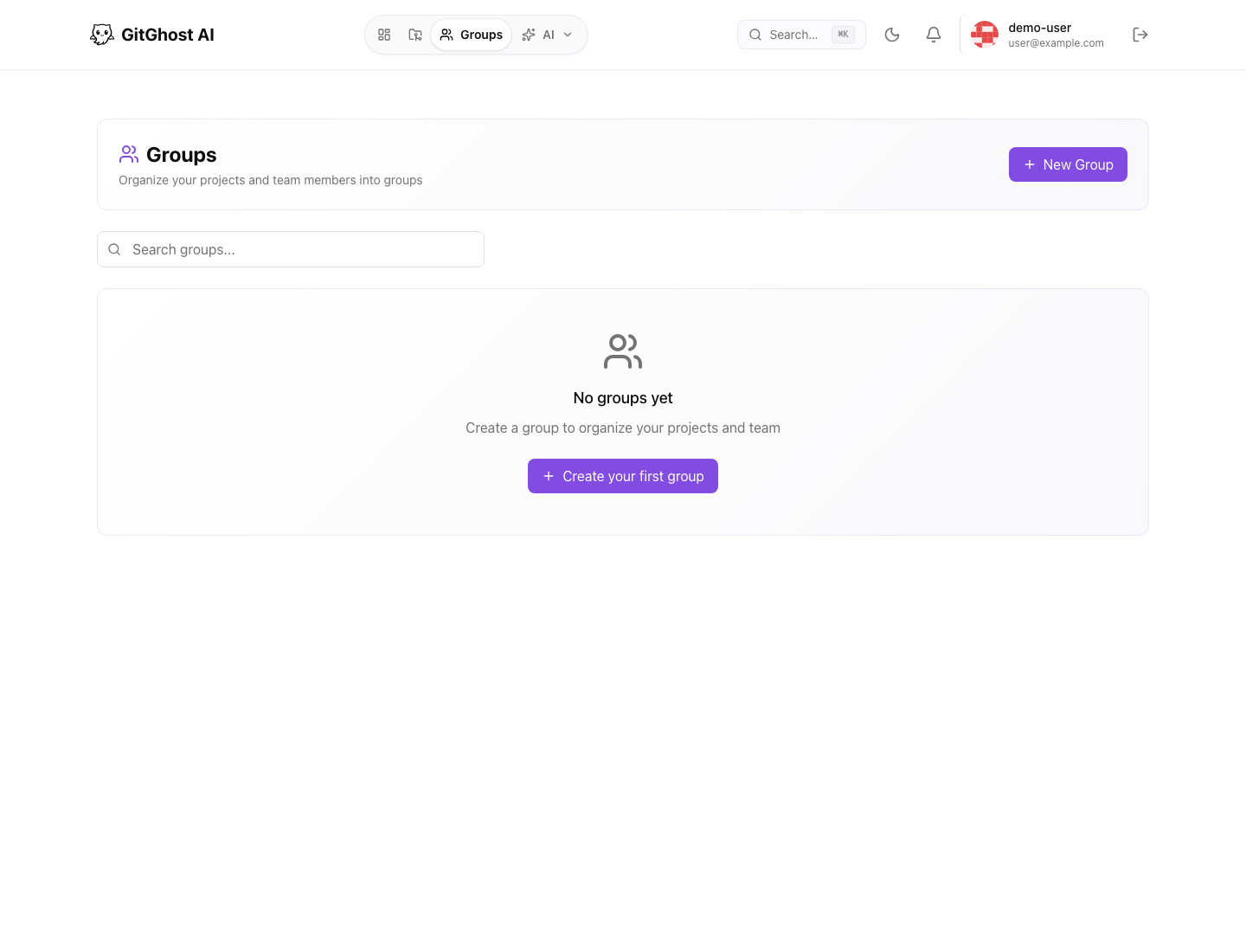
Groups
Groups collect related projects and members. Use them when:
- A team owns multiple repositories.
- Several people need access to related projects.
- You want a shared namespace for work.
- You want cleaner project discovery.
Group permissions decide who can create projects, add members, and manage settings.
Public Profile
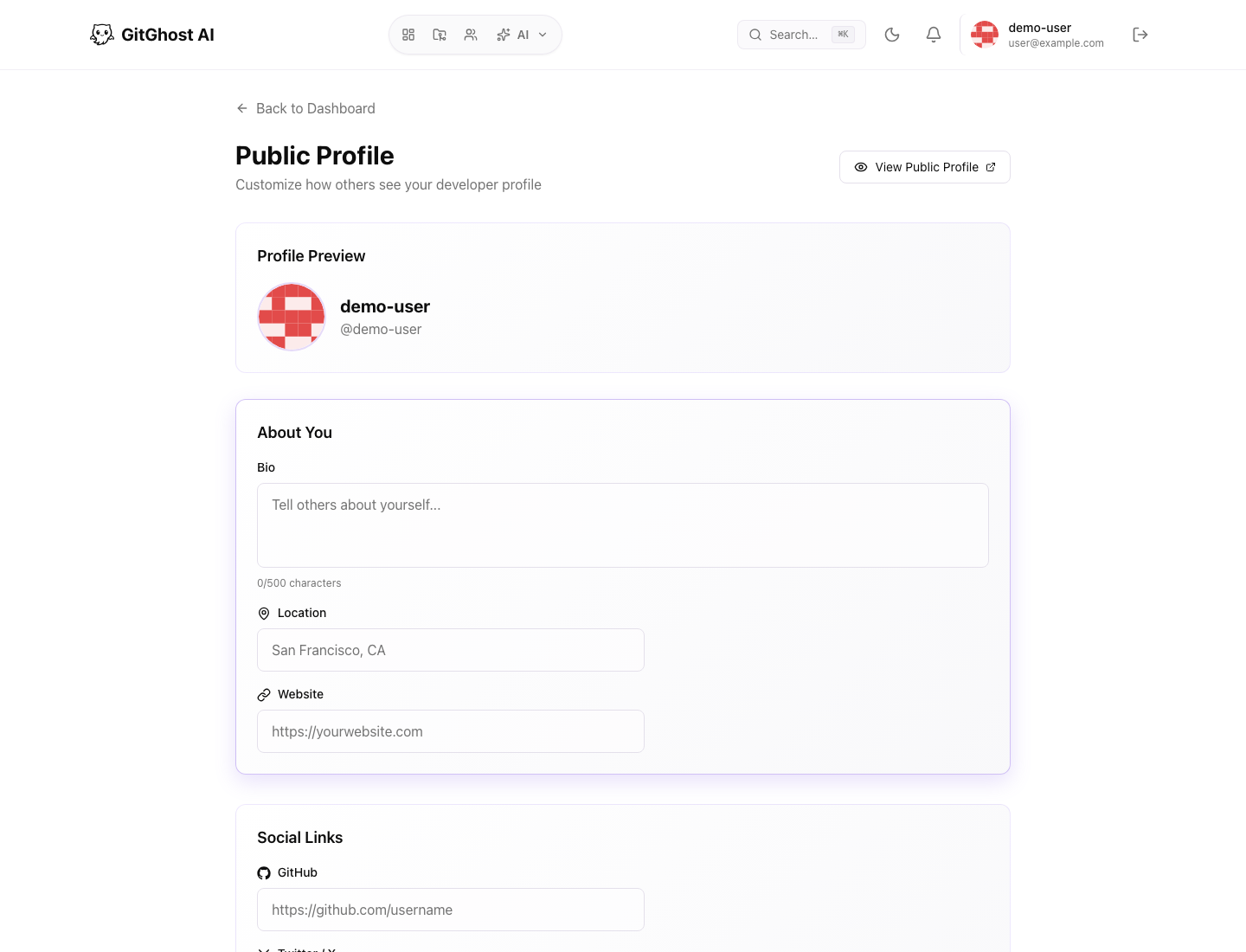
Your public profile can include:
- Display name.
- Bio.
- Avatar.
- Social links.
- Visibility controls.
- Pinned projects.
Only pin projects that are appropriate for the profile audience. If a project is private, users without access will not see its contents.
Profile Hygiene
Before publishing profile details:
- Avoid private customer information.
- Avoid personal contact details you do not want visible.
- Keep social links current.
- Remove pinned projects that are obsolete or private by mistake.