Repository History, Forks, And Downloads
Repository review is not only about the current file tree. Gitghost AI also gives maintainers the history, ownership, and sharing controls needed to understand how a project changed over time.
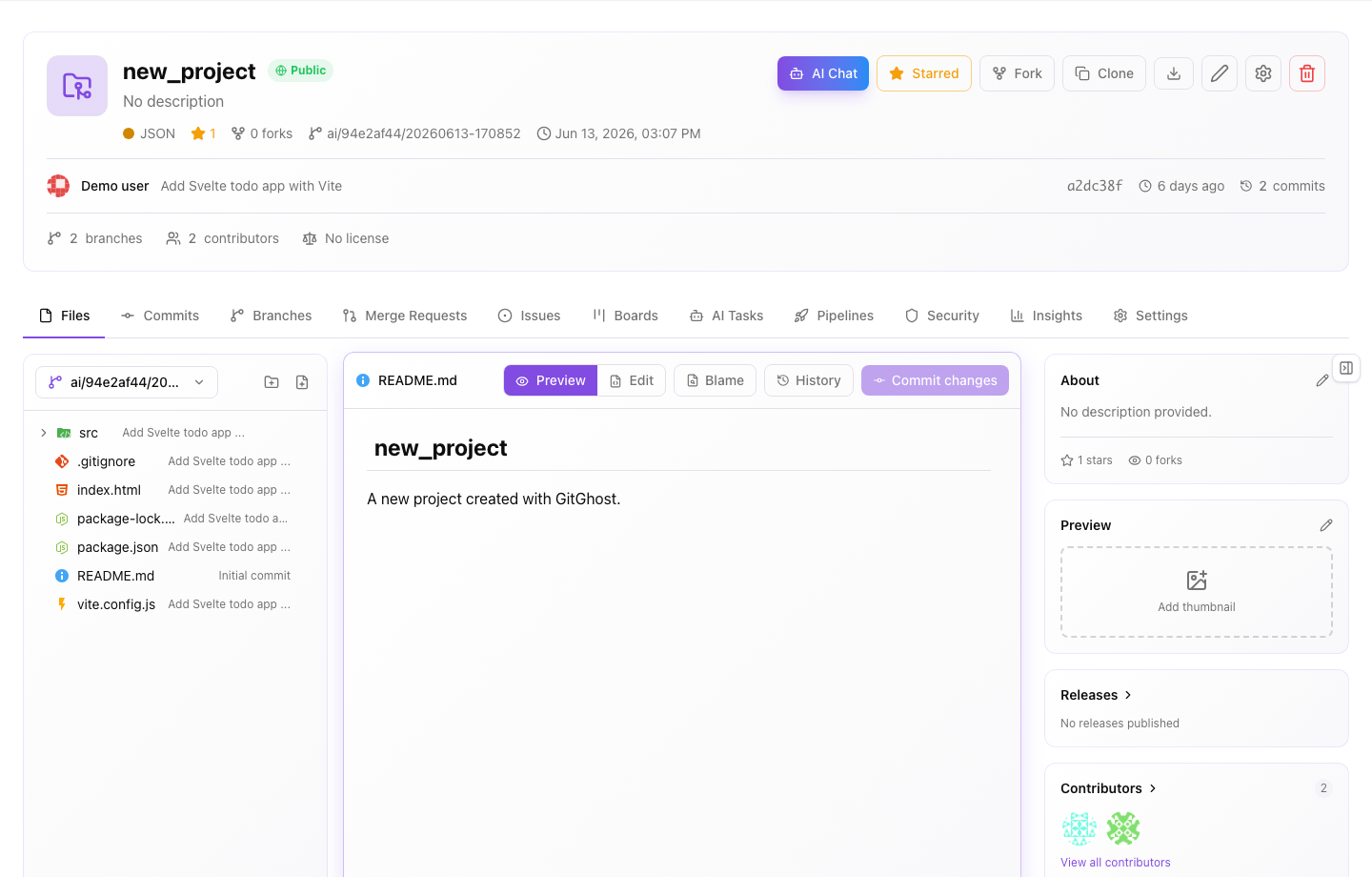
Commits
The Commits view shows recent repository changes, authorship, timestamps, and commit messages. Open a commit when you need to review the exact diff behind a change.
Use commits to answer:
- What changed?
- Who or what created the change?
- Which branch received the change?
- Was the commit part of an issue, AI session, or merge request?
- Does the commit message explain the reason for the change?
Commit history is evidence. It should be read together with issues, merge requests, pipeline results, security findings, and AI session records.
File History
File history narrows the timeline to one file. Use it when a bug, security finding, or behavior change appears tied to a specific file.
Good file-history review:
- Open the affected file.
- Open file history.
- Compare the most recent changes.
- Read the linked commit messages.
- Open the related issue or merge request when available.
- Confirm whether the file still matches the intended behavior.
File history is especially useful before reverting a change. A revert should be based on the exact change that caused the problem, not only on the latest commit.
Blame
Blame shows the last commit that changed each line. Use it to find context, not to assign personal fault.
Use blame when:
- A line looks suspicious and you need the commit that introduced it.
- A security finding points to a specific line.
- A test failure references an exact file and line.
- You need to find the discussion behind a design choice.
After finding a commit through blame, open the full diff and related discussion before deciding what to change.
Branches
Branches isolate work before it is merged into a shared line of development.
Use branches for:
- Feature work.
- Bug fixes.
- Security updates.
- Release preparation.
- AI-generated changes that need review.
Branch hygiene:
- Keep one purpose per branch.
- Name branches clearly.
- Delete stale branches after work is merged or abandoned.
- Avoid branch names that expose customer names, incidents, or confidential project details.
Stars
Stars are bookmarks for projects you want to find quickly. Starring a project does not grant extra access and does not change project visibility.
Use stars for:
- Active projects.
- Projects you review often.
- Repositories that are important to your team.
Remove stars from projects you no longer work with so your project list stays useful.
Forks
Forking creates a separate copy of a project under another owner or workspace. Use forks for experiments, external contribution workflows, or safe exploration when you should not write directly to the source project.
Before forking, confirm:
- The source project visibility allows the fork.
- The target owner is correct.
- The fork will not expose private code.
- Your organization allows forks for that project.
- You know how changes should return to the upstream project.
For private or sensitive repositories, treat a fork as another copy of the source code. Apply the same review and sharing rules.
Downloads
Repository downloads export source as an archive. Downloads are useful for offline inspection or handing source to an approved build process, but they can bypass normal Git access patterns.
Download safely:
- Download only projects you are allowed to export.
- Do not upload archives to personal drives or public chat.
- Delete local archives when you no longer need them.
- Prefer Git clone when you need history, branches, or reviewable changes.
Contributors
Contributor views help maintainers understand who has worked on a repository and where active ownership sits.
Use contributor information to:
- Find reviewers familiar with a file or subsystem.
- Understand maintenance activity.
- Spot projects with too few active maintainers.
- Confirm whether AI-assisted commits still have human review coverage.
Contributor counts are not a quality metric by themselves. Always review the code and validation evidence.
Safe Review Checklist
- Open commits before trusting a branch.
- Use file history and blame for investigation context.
- Fork only when the visibility and owner are appropriate.
- Download source only when the export is allowed.
- Link repository changes back to issues, merge requests, pipelines, security findings, or AI sessions.