Boards And Sprints
Boards give issues a workflow. Use them to move work from backlog to active development, review, and done.
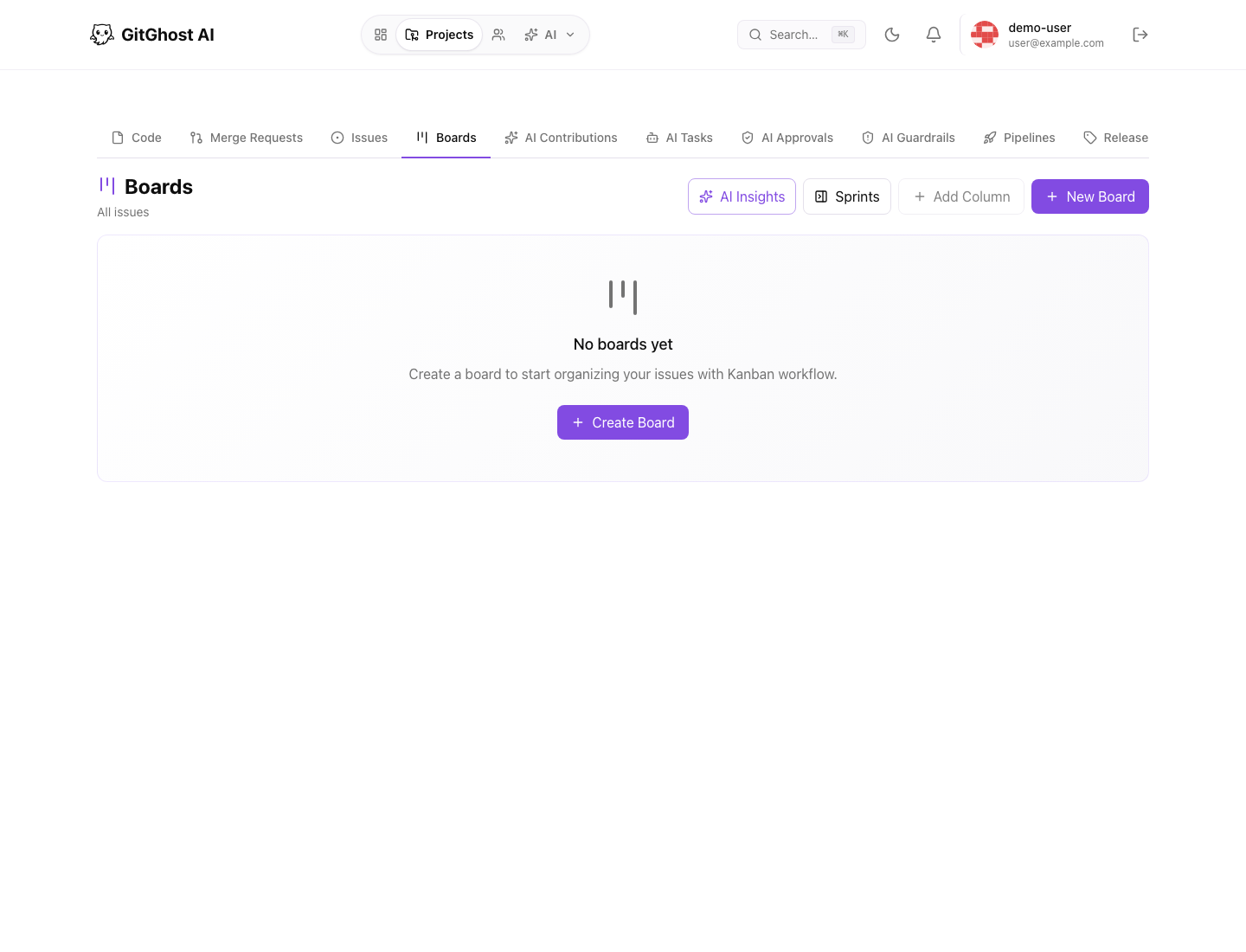
Board Concepts
| Concept | Meaning |
|---|---|
| Board | A workspace for organizing issues. |
| Column | A workflow state such as Backlog, In Progress, Review, or Done. |
| Card | An issue placed on a board. |
| Sprint | A time-boxed set of issues for a planning cycle. |
Create A Board
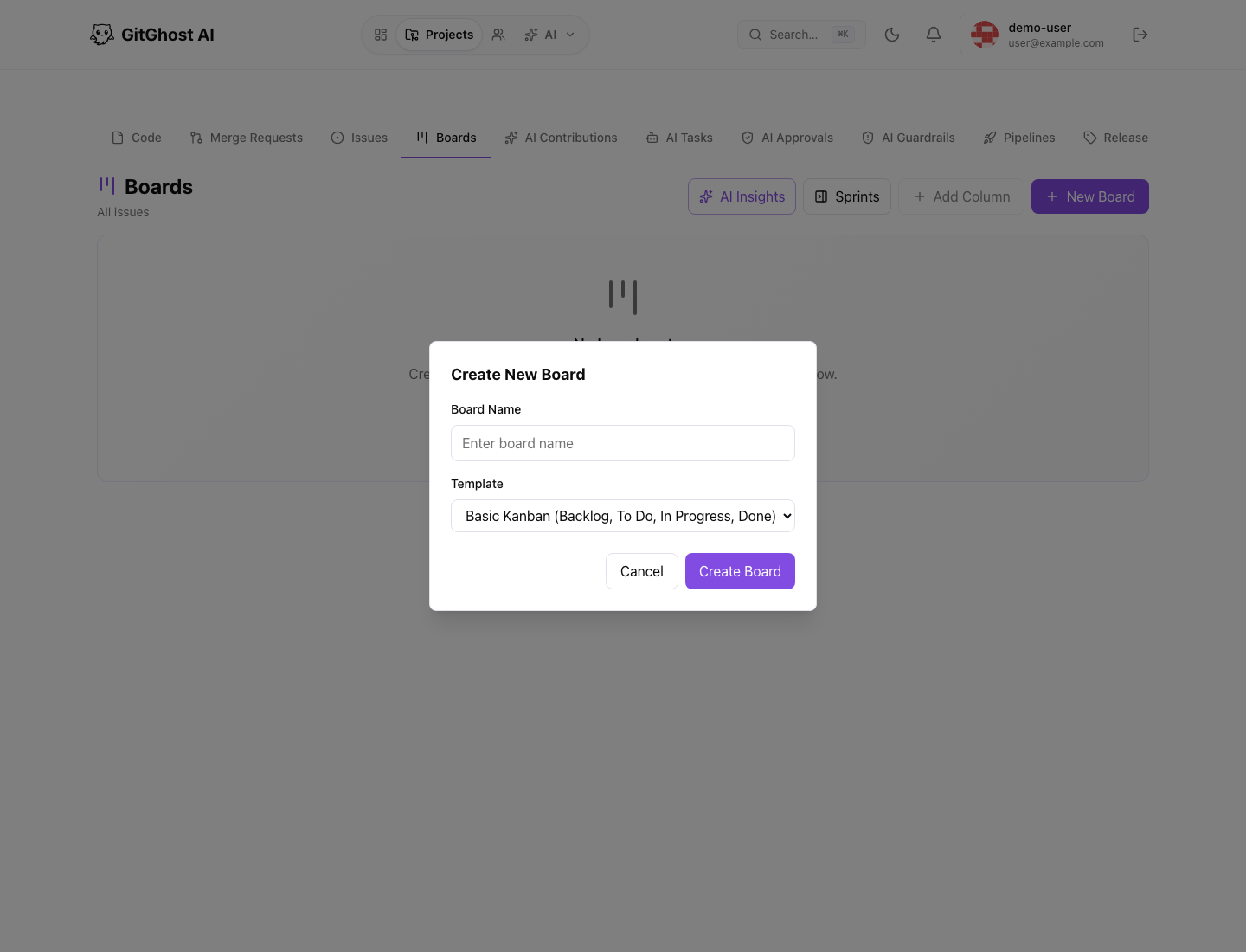
Gitghost AI creates a DEFAULT board automatically for every new project. The default board uses a basic Kanban workflow so teams can start organizing issues without setup.
If you open an older project and the Boards tab is empty, select Create DEFAULT Board. This restores the standard board with Backlog, To Do, In Progress, and Done columns.
From a project:
- Open Boards.
- Select New Board.
- Enter a board name.
- Pick a template if one matches your workflow.
- Create the board.
Templates can create common column sets such as basic Kanban, bug triage, or Scrum.
Work With Columns
Use columns to represent the current state of work. Keep the column names simple and consistent so the board is easy to scan.
Common column patterns:
- Backlog, Ready, In Progress, Review, Done.
- New, Confirmed, In Progress, Testing, Closed.
- Sprint Backlog, In Progress, Review, Done.
Use Add Column when the project needs a missing state. Avoid too many columns; if every card needs explanation, the workflow is too complex.
Add Issues To A Board
Use the column Add existing issue control when an issue already exists and should be placed on the board. Use Create issue at the bottom of a column when the work item does not exist yet.
When moving cards:
- Keep the board state honest.
- Move blocked work only when the next state is true.
- Keep closed issues out of active columns unless the board intentionally tracks verification.
Sprint Panel
When sprint planning is enabled, the sprint panel helps you:
- Create a sprint.
- Start or complete a sprint.
- Assign issues to a sprint.
- Filter the board by active sprint or backlog.
Use sprints when the team works in planning cycles. Use a plain board when the team handles continuous flow.
AI And Boards
AI-generated or AI-assisted work can still move through the same board. Keep the issue as the source of truth and use comments, linked merge requests, and AI evidence to explain what happened.