Releases
Releases package a version of your project for users, testers, or downstream teams. A release connects a tag, title, notes, and downloadable assets.
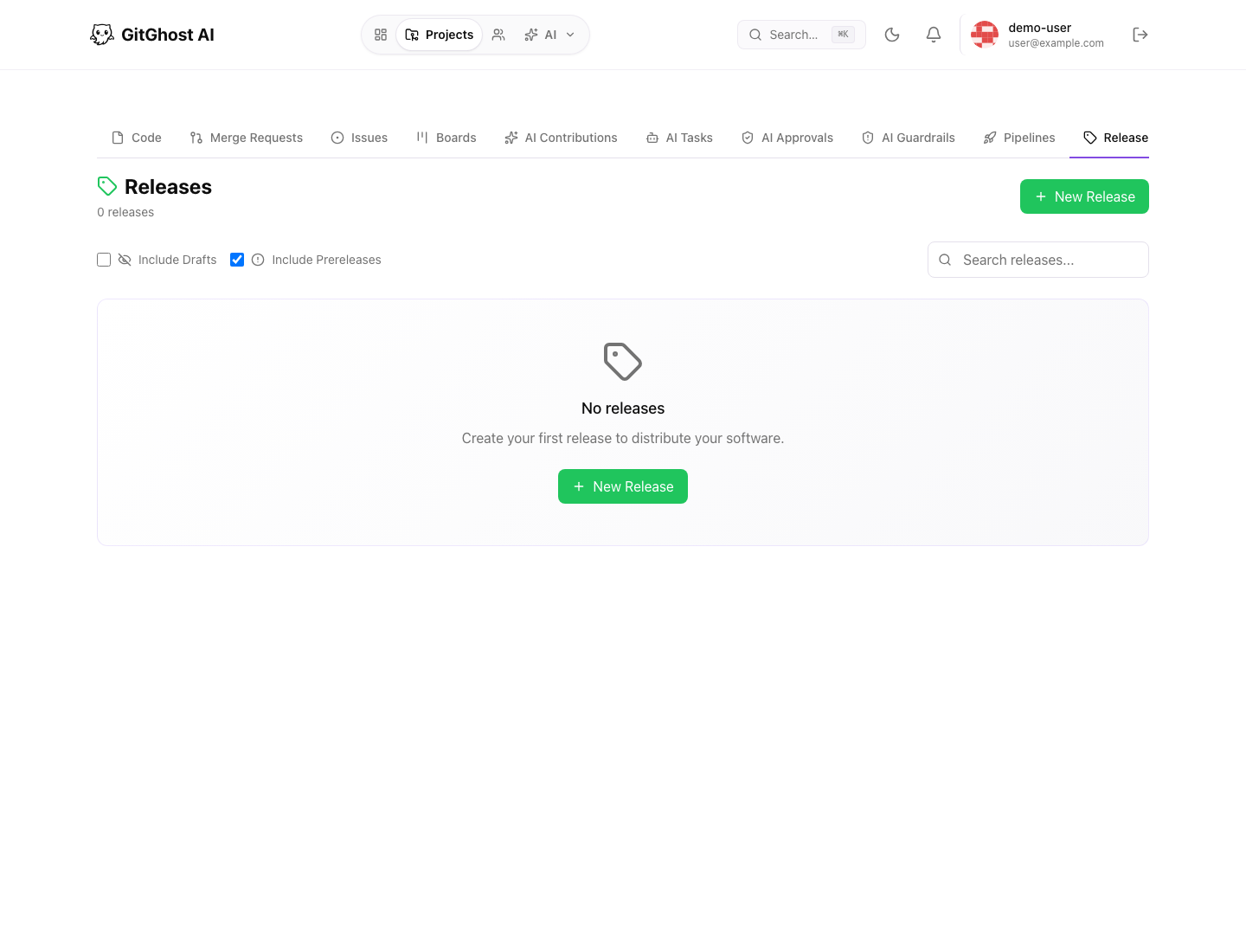
Release List
The release list shows published and draft releases, prerelease markers, tags, dates, and asset download counts. Use it to confirm what versions are available and whether the latest release is ready for distribution.
Create A Release
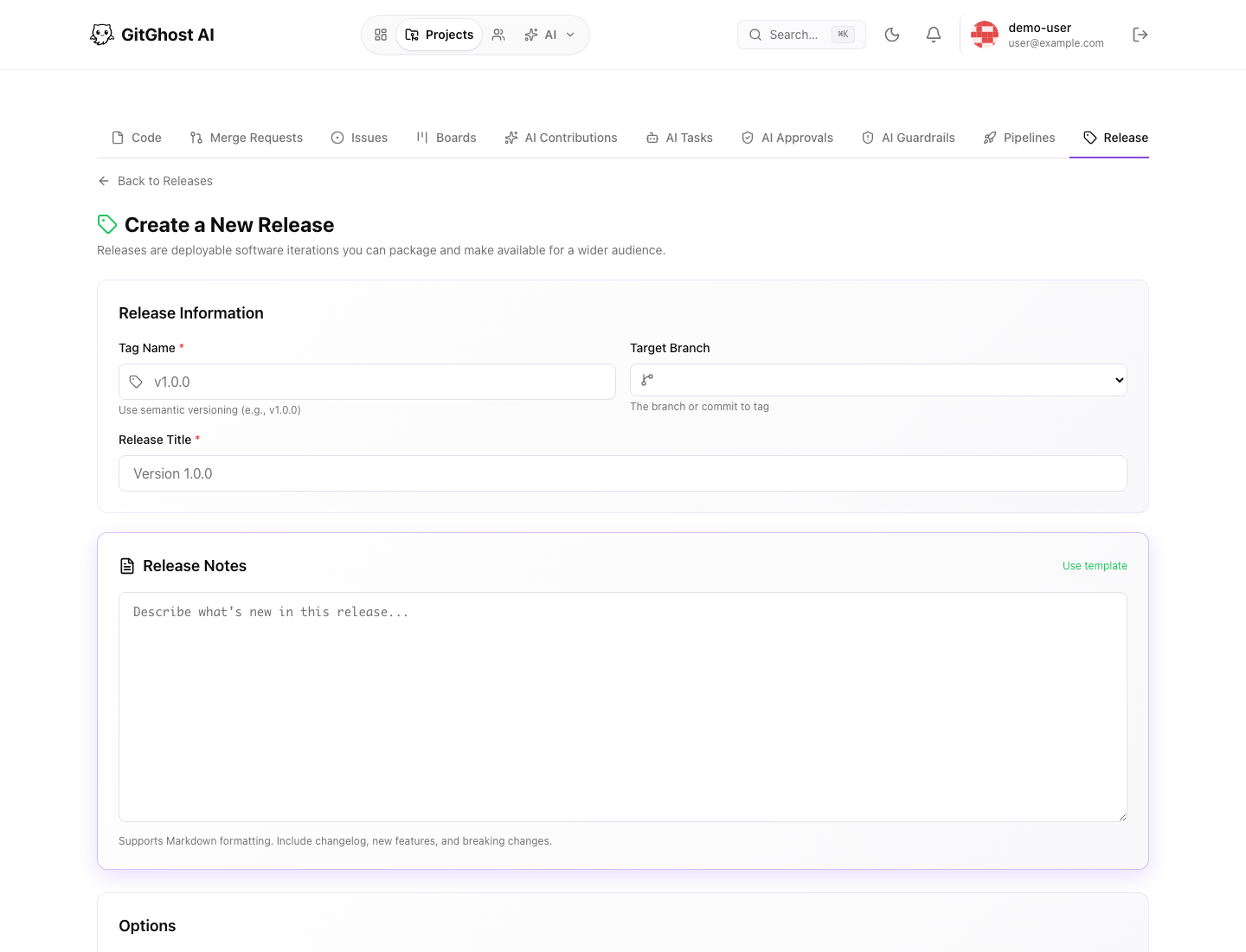
From a project:
- Open Releases.
- Select New Release.
- Enter a tag name.
- Choose the target branch or commit.
- Add a release title.
- Write release notes.
- Choose draft or published state.
- Save or publish the release.
Tag Names
Use clear, stable tag names. Common examples:
v1.0.0
v1.1.0-beta.1
release-2026-06-19
Avoid reusing tags for different code. If a release needs a correction, create a new tag or follow your project policy for replacing draft releases.
Release Notes
Good release notes explain what changed and what users should do next.
Include:
- Highlights.
- Bug fixes.
- Breaking changes.
- Migration notes.
- Security notes.
- Links to important issues or merge requests.
Assets
Release assets can include packages, archives, binaries, reports, or generated files. Check asset names and sizes before publishing.
Do not attach secrets, private credentials, or internal-only files to public releases.
Release Readiness
Before publishing:
- Confirm the target branch or commit is correct.
- Confirm relevant pipelines passed.
- Review security status for the release branch.
- Confirm release notes match the shipped changes.
- Confirm assets are intended for the release audience.